

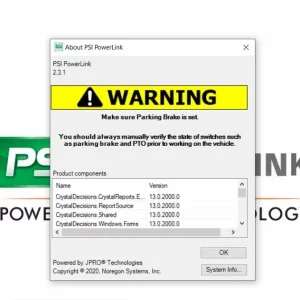
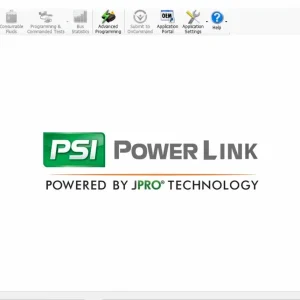
PSI Powerlink 2.3.1 Diagnostic Software
$ 94.00
PSI Powerlink 2.3.1 Diagnostic Software is a specialized tool for diagnosing heavy-duty vehicles equipped with PSI engines. This software simplifies the troubleshooting process by providing accurate diagnostic trouble codes and real-time fault identification.
PSI Powerlink 2.3.1 Diagnostic Software: Your Essential Tool for Heavy-Duty Vehicles
PSI Powerlink 2.3.1 Diagnostic Software is a specialized tool for diagnosing heavy-duty vehicles equipped with PSI engines. This software simplifies the troubleshooting process by providing accurate diagnostic trouble codes and real-time fault identification. Designed for ease of use, it supports various heavy machinery and trucks. The installation process is straightforward, with options for remote installation via TeamViewer, ensuring quick setup and access to essential diagnostic features.
Overview of PSI Powerlink 2.3.1 Diagnostic Software
This innovative diagnostic software streamlines the troubleshooting process for heavy-duty vehicles equipped with PSI engines. It offers a comprehensive set of features tailored for efficiency and reliability.
Key Features and Capabilities
PSI Specific Diagnostic Trouble Codes
The software provides customized diagnostic trouble codes (DTC) specifically for PSI engines. This feature ensures that technicians can swiftly identify issues unique to these engines, enhancing the accuracy of the diagnostics performed on heavy-duty vehicles.
Real-Time Fault Identification
Real-time monitoring of engine performance allows users to detect faults as they occur. This capability leads to quicker resolutions and minimizes vehicle downtime, contributing to a more efficient repair process.
Calibration and CVN Information
Such critical data is essential for maintaining compliance and optimal engine performance. This feature supports technicians in ensuring that vehicles operate within specifications and meet necessary standards.
Supported Engines and Vehicles
Heavy Duty Vehicle Compatibility
Designed specifically for heavy-duty vehicles, the software supports a wide range of models. It empowers technicians with necessary tools to address various mechanical issues, regardless of the fleet’s diversity.
PSI Engines Integration
The software integrates seamlessly with various PSI engines, making it versatile for different applications. This compatibility allows for a streamlined diagnostic experience across multiple vehicle types.
Installation and Setup Process
This section outlines the process for installing and setting up the diagnostic software, ensuring a smooth experience for users.
Download and File Preparation
Preparation begins with downloading the installation file. Users can obtain the software immediately after completing payment, ensuring quick access. Once downloaded, users must manage the .rar archive to prepare for installation.
Accessing the Software After Payment
After payment confirmation, a download link is provided for the software. This ensures users can quickly receive their diagnostic tool without unnecessary delays.
Handling the .rar Archive
The downloaded file comes compressed in a .rar format. Users should extract this file to a suitable directory on their computer, making the installer readily accessible for the next steps.
Step-by-Step Installation Guide
Installation of the software is straightforward, guiding users through each necessary stage.
Running the Installer and Dependencies
Once the file is extracted, the user must run the installer. This program will automatically check for and install any dependencies needed for proper software operation.
Initial Configuration and ECM Connection
After installation, initial configurations are required. Users will need to connect the software to the Engine Control Module (ECM) of the vehicle to begin diagnosing.
Remote Installation via TeamViewer
For those who prefer assistance, remote installation is available through TeamViewer, enhancing convenience.
Scheduling and Security Considerations
Scheduling a remote session is simple, and security measures are in place to protect user data during the installation process.
Troubleshooting Installation Issues
If issues arise, troubleshooting guidance is available to resolve common installation problems effectively.
Using PSI Powerlink Diagnostic Software
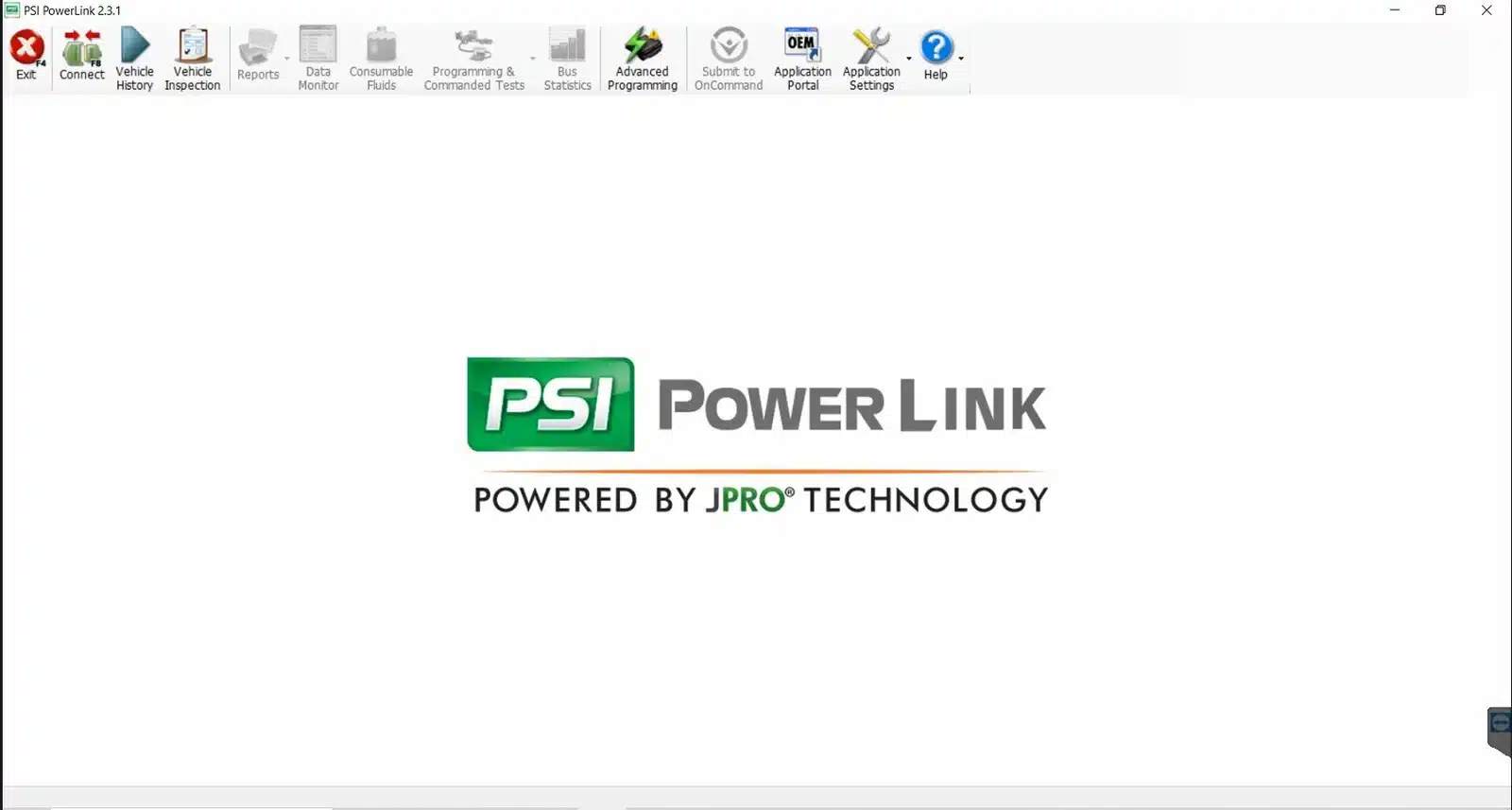
This software is designed for effective diagnostic and troubleshooting tasks in heavy-duty vehicles equipped with PSI engines. The user-friendly interface allows for seamless navigation through its numerous features.
Navigating the User Interface
The interface is intuitive, enabling easy access to various diagnostic tools:
- Diagnostic menus are clearly organized, allowing users to quickly find the information they need.
- Customization options are available for alerts and notifications, ensuring relevant updates based on the specific diagnostic needs.
Diagnosing and Troubleshooting Engines
Key functionalities enable rapid issue resolution:
- Reading and clearing trouble codes helps technicians identify and resolve issues efficiently.
- Live data monitoring provides real-time insights into engine performance, assisting in prompt decision-making.
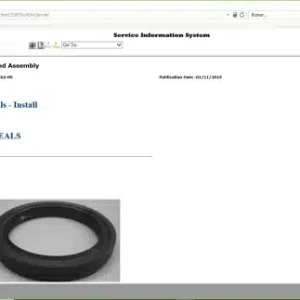
- Access to repair manuals within the software facilitates informed repairs based on accurate diagnosis.
Parts Catalog and Service Kits Integration
This feature enhances the diagnostic process significantly:
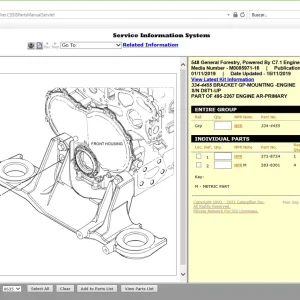
- The tool includes a searchable parts catalog, simplifying the search for necessary spare parts.
- Linking diagnostic results to service manuals streamlines the repair process, ensuring technicians have all the information required for efficient service.
Comparison with Other Diagnostic Products
Understanding how PSI Powerlink 2.3.1 Diagnostic Software stacks up against other diagnostic tools is essential for professionals in the heavy machinery and truck sectors. Here’s an overview of its competitive advantages.
Advantages Over Generic Diagnostic Tools
This software offers clear benefits in comparison to more general diagnostic options available today.
PSI Specific Engine Information
One of the standout features is the inclusion of PBS-specific diagnostic trouble codes. This produces tailored insights that are particularly relevant for technicians working on PSI engines.
Enhanced Troubleshoot and Repair Efficiency
Equipped with real-time fault identification, it significantly accelerates the troubleshooting process. Technicians can quickly pinpoint issues, leading to faster resolutions and reduced downtime for vehicles.
Scalability and Future Compatibility
Adaptability is key in an ever-evolving industry. The software is designed to stay relevant as new technology emerges.
Supporting New Engines and Vehicle Models
It is engineered to accommodate future engine developments. As new PSI models are introduced, this diagnostic tool will continue to provide valuable support.
Integration with Other Workshop Service Tools
Enhanced scalability also involves seamless connection with other workshop management systems. This creates a more efficient workflow and supports varied functionalities across diagnostics and service processes.
Sé el primero en valorar “PSI Powerlink 2.3.1 Diagnostic Software”
Productos relacionados

All Products

All Products



All Products

All Products


All Products
All Products
Valoraciones
No hay valoraciones aún.