

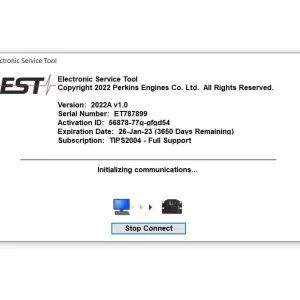
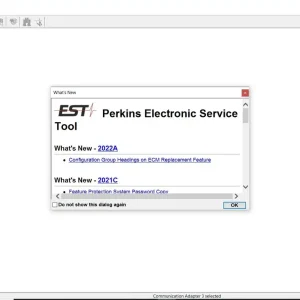
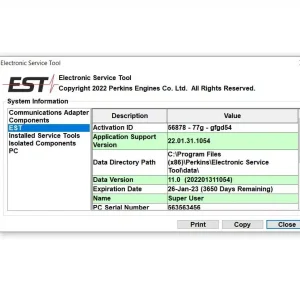
Perkins EST 2022A Diagnostic Software
$ 87.00
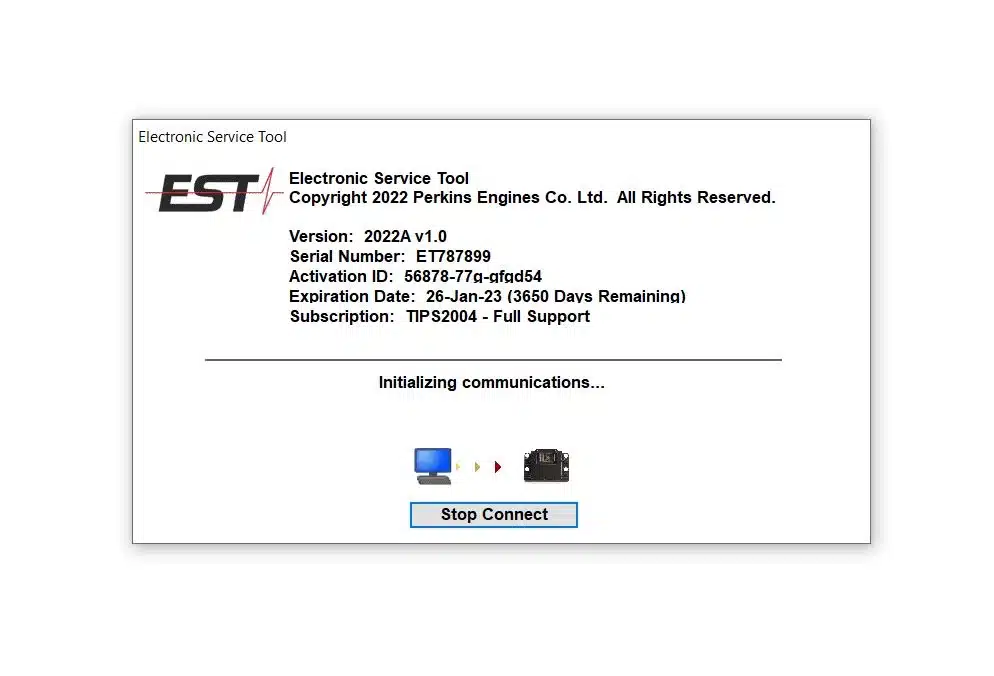
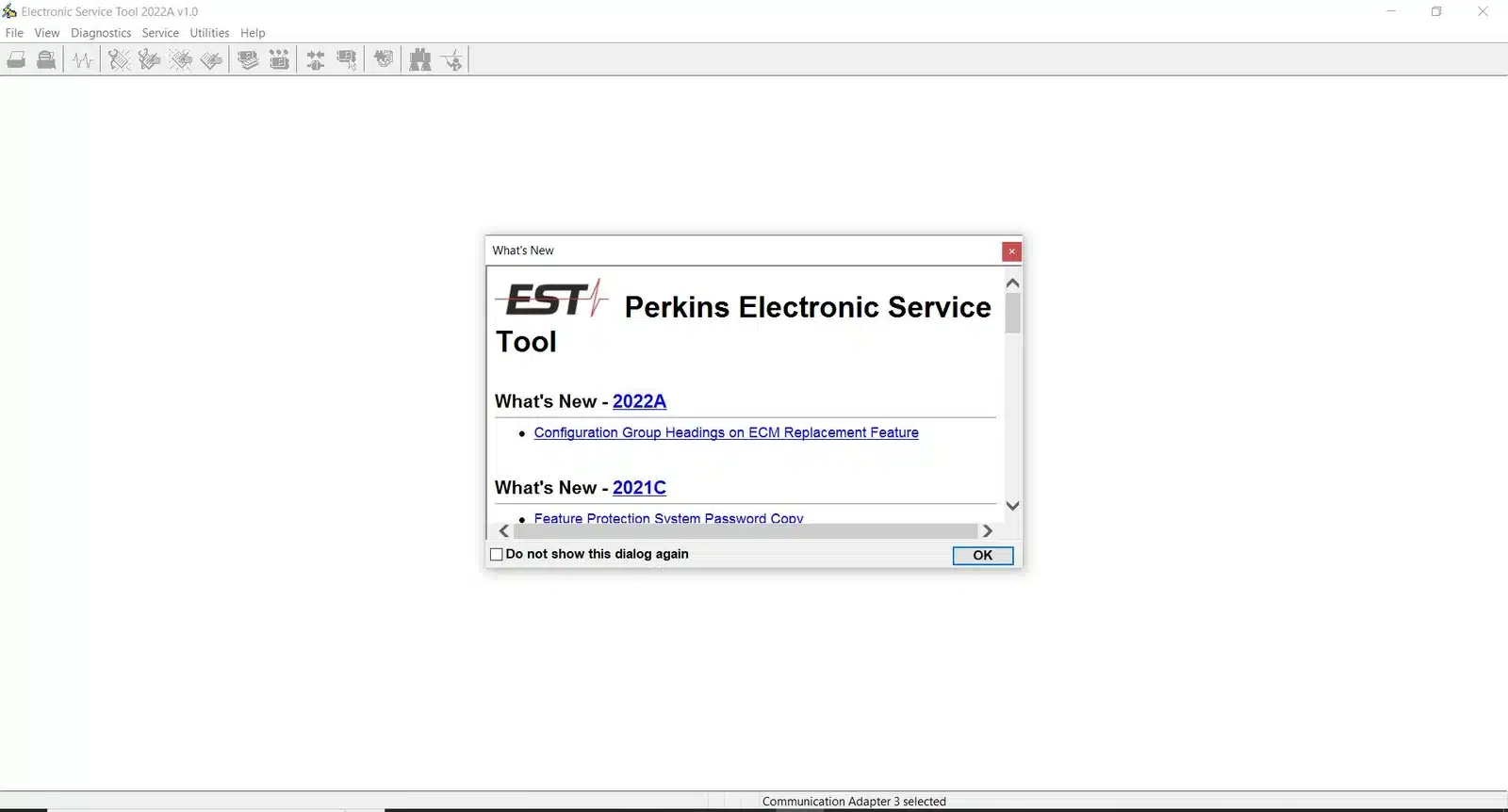
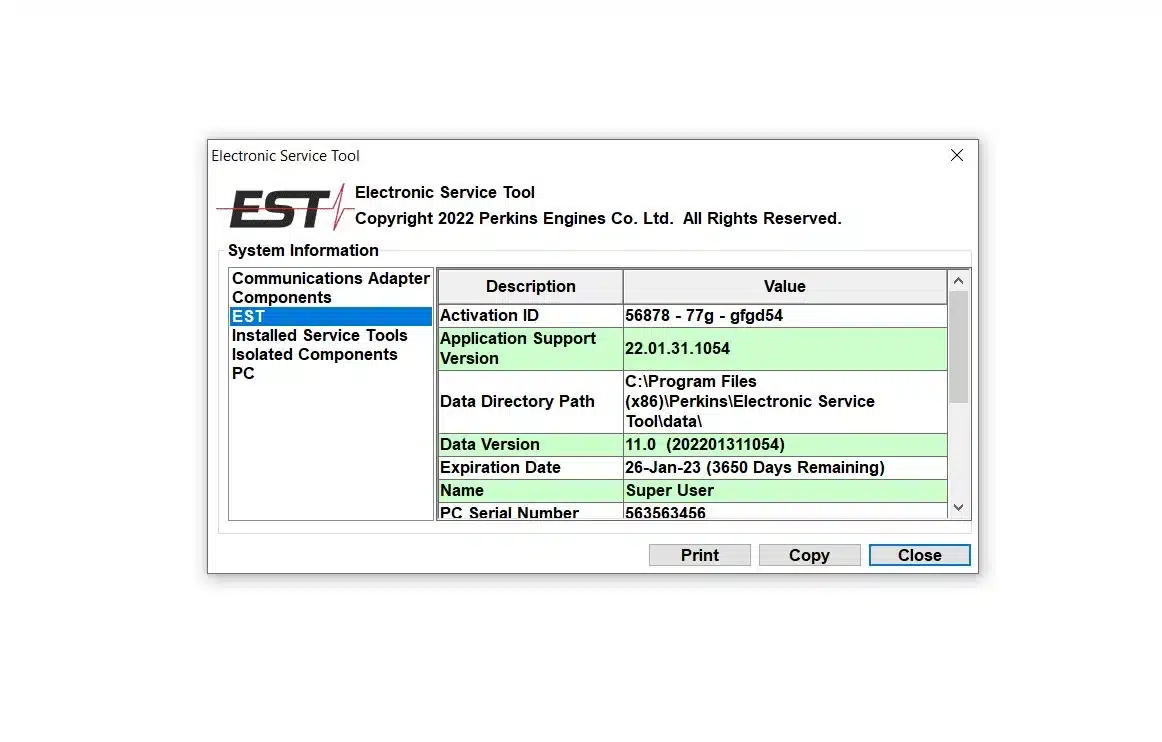
Perkins EST 2022A Diagnostic Software is designed for efficient diagnosis and management of Perkins engines and generators. It provides essential tools for monitoring performance and troubleshooting issues in heavy machinery and trucks.
Perkins EST 2022A Diagnostic Software: Key Features and Benefits
Perkins EST 2022A Diagnostic Software is designed for efficient diagnosis and management of Perkins engines and generators. It provides essential tools for monitoring performance and troubleshooting issues in heavy machinery and trucks. This software offers features such as error code viewing, event logging, and ECM configuration. Additionally, it supports remote installation via TeamViewer for user convenience and ensures compatibility with various operating systems and communication adapters.
Key Features of Perkins EST 2022A
The Perkins EST 2022A Diagnostic Software offers a wide array of features designed to enhance engine management and diagnostic capabilities for Perkins machinery.
Diagnostic Capabilities and Error Monitoring
This software excels in providing detailed insights into engine performance through robust diagnostic functionalities.
Viewing Active and Registered Fault Codes
Users can easily access both current and historical fault codes. This functionality helps in quickly identifying recurring issues, thereby facilitating timely maintenance actions.
Event Logging and Performance Data Tracking
Event logging is crucial for documenting irregular occurrences within the engine’s operation. The capability to track performance data allows for comprehensive analysis, supporting proactive maintenance strategies.
ECM Configuration and Calibration
Configuration options for the Engine Control Module (ECM) enhance the performance optimization process. This feature ensures that technicians can tailor settings based on specific operational needs.
Parameter Adjustment Options
The software provides various parameter adjustment settings, empowering users to customize configurations effectively. This ensures that engines operate within desired specifications for optimal performance.
Password Override with Powerwizard
Implementing security features like the password override facilitates advanced access. This feature is particularly useful for making in-depth adjustments to the ECM without compromising system security.
Reporting and Data Export Functions
Perkins EST 2022A includes powerful reporting and data export functionalities that are invaluable for documentation and analysis.
Generating Diagnostic Reports
The software can generate comprehensive diagnostic reports. These reports serve as essential tools for understanding engine status and planned maintenance activities.
Exporting Data for Analysis
Exporting performance data allows for specialized analysis using other tools. This capability supports deeper insights, enabling better decision-making around engine management and service schedules.
System Requirements and Compatibility
To ensure optimal performance and functionality, specific system requirements must be met for proper installation and usage.
Supported Operating Systems and Versions
The software is primarily designed to operate on Windows platforms. It is compatible with:
- Windows 10 (32-bit and 64-bit)
- Windows 11 (32-bit and 64-bit)
These operating systems provide a stable environment for the software to function effectively, allowing technicians to manage diagnostic operations efficiently.
Compatible Communication Adapters
Effective communication between the diagnostic software and the engine’s electronic control module (ECM) necessitates compatible communication adapters. The following devices are widely recognized:
CAT ET DataLink Adapter III
This adapter enables seamless data transfer and diagnostics, facilitating powerful interaction with Perkins engines and ensuring that technicians can monitor and troubleshoot effectively.
Nexiq USB Link Versions
The Nexiq USB Link, available in multiple versions, is another reliable option for connecting the software to Perkins machinery. It ensures robust data transmission and accurate diagnostics across various engine models.
Hardware and Storage Specifications
Meeting the hardware requirements is essential for installation. To run Perkins EST 2022A, users should ensure the following specifications:
- A minimum of 15 GB of free hard disk space for installation and operational efficiency.
- Sufficient RAM and processor capabilities, as recommended by the manufacturer for optimal performance.
These specifications provide a foundation for the software to operate effectively, helping ensure that all diagnostic tasks are completed without hindrance.
Installation and user support are vital components of ensuring seamless operation and functionality for users. The following sections outline the process and assistance available for effective utilization.
Installation and User Support
Step-by-Step Installation Process
Installing the software is a straightforward process that allows users to enhance their engine management capabilities. The installation typically involves the following steps:
- Download the installation package from a reliable source.
- Run the installer and follow the on-screen instructions.
- Agree to the software license terms and select the installation directory.
- Complete the installation and launch the application for initial configuration.
Once installed, users can navigate through the interface to set up necessary parameters for optimal performance.
Remote Installation via TeamViewer
For users who may encounter challenges during installation, remote assistance is available through TeamViewer. This service connects users with trained professionals who can:
- Guide users through the installation process.
- Address any software or system compatibility issues.
- Ensure proper configuration to meet specific operational needs.
Remote installation guarantees that the software is set up correctly and efficiently, allowing users to focus on their tasks.
Technical Support and Software Updates
Ongoing technical support is essential for troubleshooting issues that may arise. Users can access support to obtain:
- Assistance with software-related queries.
- Guidance on error resolution and system performance optimization.
- Information about the latest software updates and features.
Regular updates play a crucial role in maintaining operational efficiency and integrating new capabilities into the software. Keeping the software up-to-date ensures that users benefit from the latest advancements in diagnostic technology.
Applications Across Industries and Engine Series
Various industries leverage Perkins EST 2022A for optimal engine management and diagnostics, reinforcing its versatility across multiple applications.
Use with Perkins Diesel Engines and Power Solutions
This software is tailored for Perkins diesel engines, ensuring they perform efficiently in different environments.
Industrial and Construction Equipment
In the industrial and construction sectors, machinery must be reliable and powerful. Perkins engines are frequently utilized in bulldozers, excavators, and cranes. The diagnostic software enhances maintenance routines, enabling operators to track engine performance and diagnose issues early, thus preventing costly downtimes.
Marine and Agricultural Engines
Perkins engines are also key players in marine and agricultural settings. From fishing vessels to tractors, this software aids in monitoring functions like fuel efficiency and emissions. Such real-time diagnostics contribute to longer operational lifespans and compliance with environmental regulations.
Sé el primero en valorar “Perkins EST 2022A Diagnostic Software”
Productos relacionados

All Products
All Products
All Products


All Products
All Products


All Products
Valoraciones
No hay valoraciones aún.