

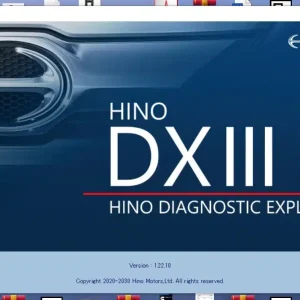
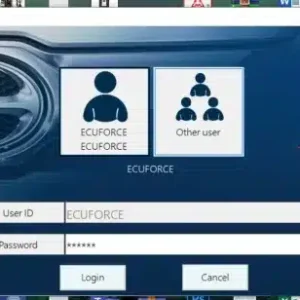
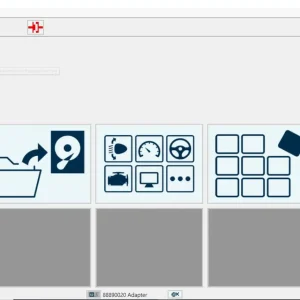
Hino DX3 2022 Diagnostic Software
$ 94.00
Hino DX3 2022 Diagnostic Software provides essential tools for diagnosing and maintaining Hino trucks.
Hino DX3 2022 Diagnostic Software: Essential Tool for Hino Trucks
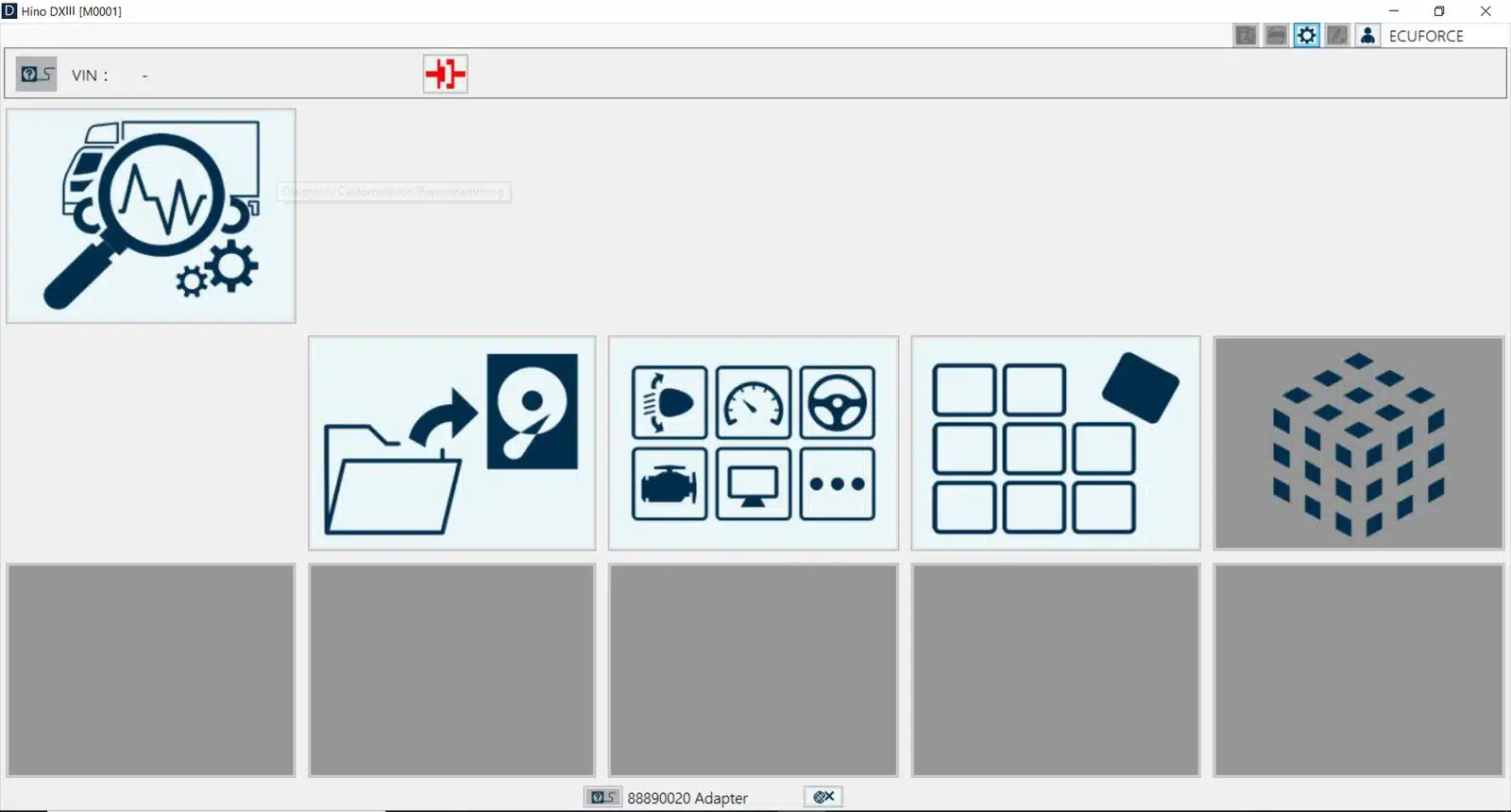
Hino DX3 2022 Diagnostic Software provides essential tools for diagnosing and maintaining Hino trucks. This specialized software is designed to improve efficiency and accuracy for technicians dealing with heavy machinery. The software supports real-time monitoring, data analysis, and module reprogramming. Installation is streamlined via TeamViewer, ensuring quick access to vital diagnostic functions for optimal vehicle performance.
Overview of Hino DX3 Diagnostic Software
The Hino DX3 Diagnostic Software plays a pivotal role in diagnosing and maintaining Hino trucks. This essential tool provides mechanics and technicians with comprehensive diagnostic capabilities tailored specifically for heavy-duty vehicles.
History and Development Since 2005
Since its inception in 2005, the Hino DX3 software has evolved significantly, adapting to the changing needs of the transportation industry. Its continual updates ensure that it remains relevant, incorporating advanced diagnostic functions that reflect the latest technological advancements in heavy machinery.
Compatible Vehicle Models and Engines
This diagnostic software is specifically designed to support a wide range of Hino truck models equipped with Hino engines. Compatibility includes vehicles distributed throughout the United States and Canada, ensuring that service professionals can effectively utilize the software across various fleet types.
Required Hardware Interfaces and Cables
To function seamlessly, the Hino DX3 requires specific hardware interfaces and cables, ensuring effective communication between the software and the vehicle’s electronic systems.
Jaltest Data Link Interface
The Jaltest Data Link Interface is one of the primary connections for the Hino DX3. It facilitates direct communication with the truck’s ECU, allowing for efficient data transfer and diagnostics.
Nexiq USB-Link Interface
This interface is another essential component for connecting the Hino DX3 to trucks. It provides reliable access to diagnostic data, enhancing the overall effectiveness of the diagnostic process.
OBD2 16-Pin Cable Specifications
The OBD2 16-pin cable is crucial for establishing a connection between the Hino DX3 software and the vehicle’s onboard diagnostics. This cable allows the software to read error codes and monitor vehicle performance in real time.
Key Features and Functional Capabilities
The Hino DX3 2022 Diagnostic Software boasts an array of advanced features and capabilities designed for effective vehicle diagnostics and maintenance. Its functionality ensures that technicians can efficiently monitor, analyze, and optimize truck performance.
Real-Time Data Monitoring and Performance Tools
This component of the software is crucial for ongoing evaluations of vehicle performance. The system allows technicians to observe data as it happens, offering immediate insights into engine and system conditions.
Engine Parameter Tracking
Engine parameter tracking provides constant updates on various metrics such as RPM, temperature, and fuel efficiency. This feature enhances the ability to detect issues as they arise, leading to quicker resolutions.
Control Module Data Access
Accessing control module data is simplified, allowing technicians to interact with different vehicle systems. This includes retrieving vital information for troubleshooting and adjustments.
Diagnostic Trouble Code (DTC) Lookup and Analysis
Efficiently reading and interpreting diagnostic trouble codes is essential for addressing potential malfunctions. The software supports comprehensive lookup features that help technicians understand error codes and their implications.
Component Activation and Functional Testing
Activation of vehicle components for testing is a standout feature. This capability allows technicians to confirm operational integrity by running functional tests on various systems and modules.
ECU Settings and Customization Options
Customizing ECU settings is vital for adapting truck capabilities to specific user requirements. Various configurations can be adjusted to optimize performance.
Engine Shutdown Settings
These settings can help establish safe shut-off parameters, which is critical for preserving engine longevity under various driving conditions.
Vehicle Speed Configurations
Custom speed settings allow for tailored performance, ensuring the vehicle meets regulatory standards or user preferences.
Module Reprogramming and Software Updates
Reprogramming modules is essential for maintaining up-to-date software functionalities. This feature enhances the adaptability and reliability of the vehicle systems.
Control Module Reflashing Process
The reflashing process is straightforward, enabling technicians to update the control modules with the latest software features effectively.
Change Requests and Update Procedures
Procedures for software updates and change requests ensure that technicians can improve vehicle performance and fix existing issues expediently.
Data Recording and Diagnostic Reporting
Ensuring accurate data logging is a vital part of the diagnostic process. The software captures essential vehicle data for future reference.
Report Generation and Export Formats
Generating detailed reports provides a clear record of diagnostics performed, with export formats available for easy sharing and review.
Data Storage and Retrieval Systems
Robust data storage capabilities allow for efficient retrieval of historical data, enhancing the troubleshooting process and facilitating comprehensive maintenance records.
Installation, System Requirements, and Support
Understanding the installation process, system requirements, and available support is crucial for utilizing the full potential of Hino DX3 Diagnostic Software.
Minimum and Recommended Hardware Specs
To ensure optimal performance of the diagnostic software, it is important to meet specific hardware standards.
Processor and RAM Requirements
A processor with a minimum of 700 MHz is recommended for basic functionality, while modern processors significantly enhance performance. For RAM, at least 128 MB is necessary, although 256 MB or more is advised for better efficiency.
Storage and Display Resolution Needs
At least 20 GB of free disk space is essential for the software to operate smoothly. Additionally, a display resolution of 1024×768 pixels is required to effectively interact with the software interface.
Software Installation via TeamViewer
TeamViewer provides a convenient method for software installation, aiding users in accessing support remotely.
Remote Installation Steps
The installation process can be initiated with TeamViewer, allowing technicians to set up the software on the client’s system efficiently. This remote access ensures comprehensive guidance throughout the installation.
Troubleshooting Common Installation Issues
Challenges during installation might arise, but common issues can typically be resolved through clear troubleshooting steps, ensuring a smooth setup experience.
Sé el primero en valorar “Hino DX3 2022 Diagnostic Software”
Productos relacionados

All Products
All Products


All Products


All Products
Valoraciones
No hay valoraciones aún.