
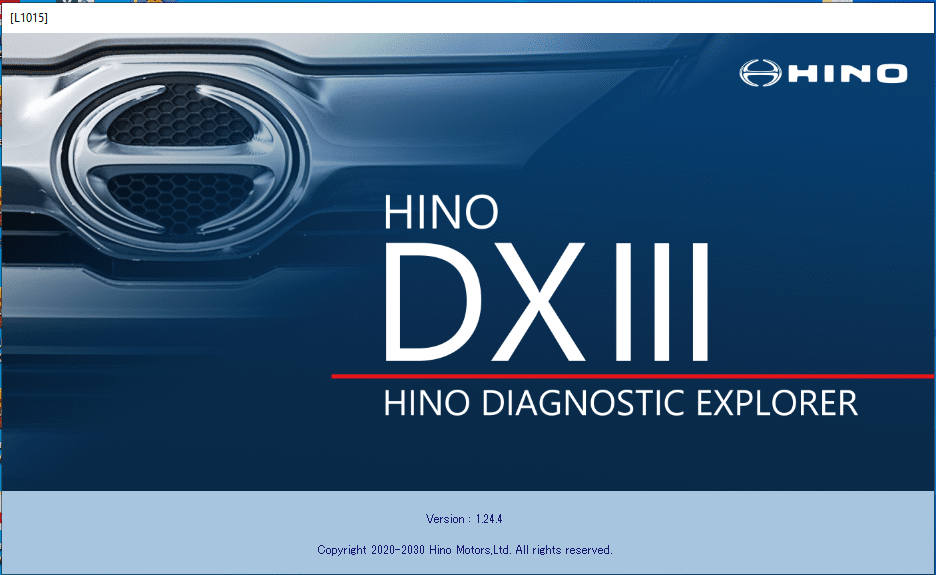
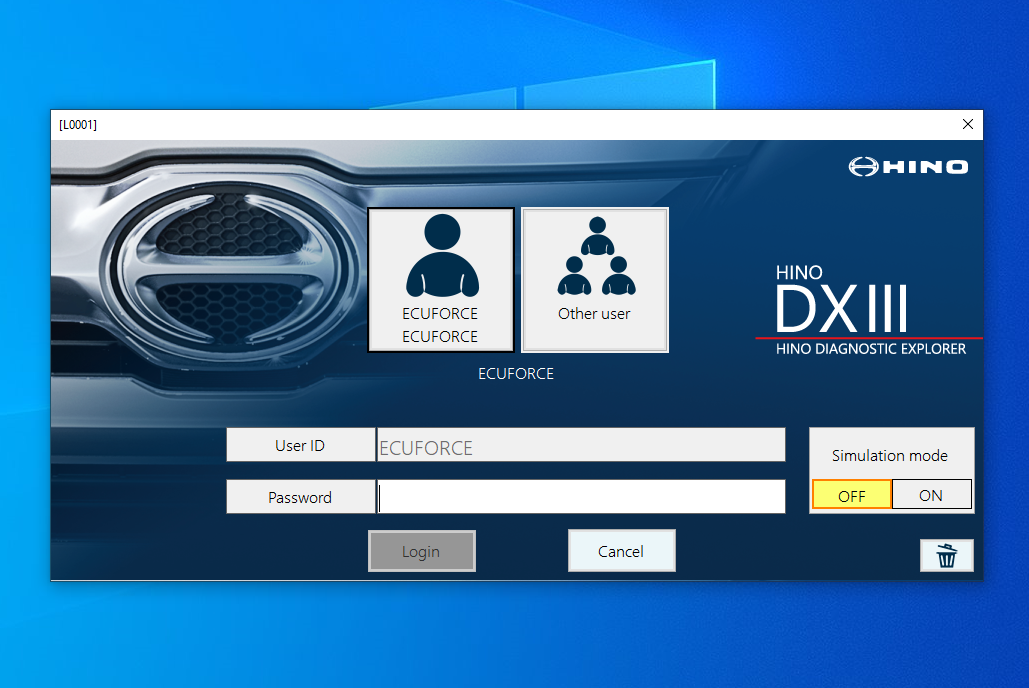
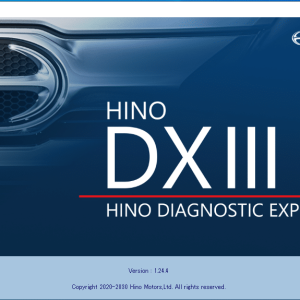
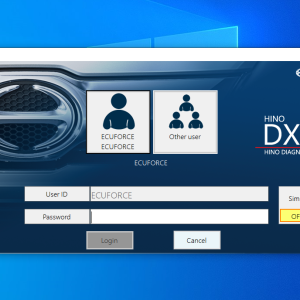
Hino DX3 2024 Diagnostic Software
$ 100.00
Hino DX3 2024 Diagnostic Software is designed to streamline the maintenance and diagnostic processes for Hino vehicles. It offers essential tools for monitoring performance and identifying issues in heavy machinery and trucks.
Hino DX3 2024 Diagnostic Software: Key Features and Benefits
Hino DX3 2024 Diagnostic Software is designed to streamline the maintenance and diagnostic processes for Hino vehicles. It offers essential tools for monitoring performance and identifying issues in heavy machinery and trucks. The software supports various models and includes core diagnostic functions. Additionally, it provides advanced configuration capabilities and is compatible with essential system requirements for optimal performance.
Compatibility and System Requirements
The Hino DX3 2024 Diagnostic Software is designed to seamlessly integrate with a variety of Hino trucks and heavy machinery. Proper compatibility ensures that users can effectively utilize diagnostic capabilities. The software supports all Hino trucks distributed in the United States and Canada from model year 2005 to the present.
To operate the software efficiently, specific system requirements must be met:
- Operating System: Windows 10 or later is necessary for optimal functionality.
- Processor: A minimum of 700MHz Pentium is required, though a processor of 2.0 GHz or higher is recommended for best performance.
- RAM: At least 128 MB is the minimum requirement, while having 256 MB or more is ideal.
- Hard Drive Space: A minimum of 20 GB of free space is needed on the hard drive to install and run the software effectively.
- USB Port: A USB connection is essential to link the vehicle diagnostics with the user’s computer.
Investing in compatible hardware and meeting these requirements will enhance the user experience while ensuring that comprehensive diagnostics can be performed smoothly. Each element plays a crucial role in facilitating seamless operations and maintaining the software’s efficiency.
Core Diagnostic Functions
Efficiently diagnosing vehicle issues is crucial for maintaining performance in heavy machinery and trucks. Key diagnostic capabilities allow technicians to quickly identify malfunctions and prevent potential failures.
A major function includes the reading of Diagnostic Trouble Codes (DTCs). This feature enables users to pinpoint specific issues through standardized codes, streamlining the troubleshooting process. Technicians can view and interpret these codes to understand the root cause of problems effectively.
Another essential aspect is real-time data monitoring. This function provides live insights into operational parameters, such as engine speed, temperature, and fuel consumption. By maintaining awareness of these metrics, technicians can make informed decisions regarding immediate maintenance needs and performance optimization.
- Component Activation Tests: Allows users to run diagnostics on various electronic and mechanical parts, ensuring that components like sensors and actuators are functioning correctly.
- System Reset Functions: Facilitates the reset of fault codes and maintenance intervals, restoring the normal operation of vehicle systems.
- Custom Configuration: Users have the ability to tailor vehicle settings to their specific operational requirements, enhancing performance and adaptability.
These core diagnostic functions combined empower technicians to enhance maintenance workflows and improve the overall reliability of their fleets.
Advanced Configuration and Calibration
This diagnostic software provides robust options for advanced configuration and calibration of Hino vehicles. Technical professionals can customize engine parameters to enhance performance, ensuring that each vehicle operates at its optimal level. The calibration process allows for tailored adjustments that can meet specific operational needs and regulatory requirements.
Key features in this functionality include:
- Adjustable idle settings for better fuel efficiency.
- Customization of speed limits to enhance safety and compliance.
- Ability to configure protection parameters to minimize mechanical failures.
The calibration tools facilitate real-time adjustments, enabling technicians to respond swiftly to any performance issues that may arise during operation. Detailed data feedback further aids in understanding the impact of each adjustment, providing insight into vehicle performance trends.
Comprehensive user manuals and on-screen guidance are integrated within the software, making the configuration process more intuitive for technicians. Optimizing these settings not only improves vehicle longevity but also contributes to reduced maintenance costs and increased reliability for fleet operations.
Regular updates to the software encompass the latest calibration techniques and configurations. This ensures that users have access to the most effective tools necessary for maximizing vehicle efficiency and performance. Each session may pave the way for enhanced operational efficiencies and improved productivity within fleet management.
Software Installation and Updates
Installing the Hino DX3 2024 Diagnostic Software is designed to be a straightforward process, facilitating quick access to vital diagnostic tools. The installation can be effectively conducted via TeamViewer, allowing remote assistance to ensure a seamless setup, minimizing downtime.
Prior to installation, ensuring that system requirements are met is crucial. Users must confirm the compatibility of their devices, including the necessary operating system and hardware specifications. A stable internet connection is also essential for downloading updates and accessing software features reliably.
- Step 1: Download the installation package from the official source.
- Step 2: Launch TeamViewer to connect with a support technician.
- Step 3: Follow the on-screen prompts to complete the installation process.
Regular updates play a key role in maintaining optimal software performance. These updates include enhancements in diagnostic capabilities and fixing bugs. Users will be notified of available updates and can initiate the update process easily through the software interface.
It is advisable to periodically check for updates manually if automatic notifications are disabled. Keeping the software current ensures access to the latest features and improved diagnostics, essential for maintaining the efficiency of heavy machinery and trucks.
Training and Technical Support
Comprehensive training is a vital component when implementing any sophisticated diagnostic program. Hino provides tailored training sessions that are crucial for ensuring users maximize the capabilities of the software. Various formats are available, including online workshops and hands-on practical sessions. These programs cover everything from basic operations to advanced diagnostics.
Technical support is readily accessible to assist users with any issues that may arise during the utilization of the software. Support services include:
- Assistance via TeamViewer for direct access and troubleshooting.
- Regular updates and improvements to keep the software in line with industry standards.
- Access to an extensive knowledge base that offers solutions to common inquiries.
- Dedicated personnel to guide users through complex diagnostic challenges.
The training initiatives aim to build confidence among technicians, enabling them to conduct diagnostics efficiently. Mastery of the tool is enhanced by the availability of resources and support, which fosters a deeper understanding of vehicle systems.
Technical education, coupled with ongoing support, ensures that users remain equipped to tackle new challenges as they arise in commercial vehicle diagnostics. This commitment to comprehensive training guarantees that users of the software can deliver high-quality service in their respective operations.
Benefits for Fleet and Repair Operations
The integration of Hino DX3 2024 Diagnostic Software into fleet and repair operations provides numerous advantages that enhance overall efficiency and productivity. By leveraging advanced diagnostic capabilities, organizations can effectively monitor vehicle performance, which leads to a proactive approach in maintenance.
Timely diagnostics allow technicians to identify and rectify issues before they escalate into major problems. This preventive maintenance reduces downtime significantly. A streamlined approach can lead to:
- Increased vehicle uptime, ensuring that fleets remain operational longer.
- Reduced repair costs by identifying issues early, minimizing extensive damage.
- Optimized maintenance schedules tailored to the specific needs of each vehicle.
Moreover, using a unified software solution eliminates the necessity for multiple diagnostic tools. This consolidation simplifies training for staff and reduces costs associated with various systems. Operators benefit from:
- A simplified training process due to the user-friendly interface.
- Comprehensive support resources that enhance technician expertise.
- Better data management and reporting capabilities, improving decision-making.
The capability to customize and calibrate settings within the software also contributes to enhanced vehicle performance, aligning with unique operational requirements. This flexibility is essential for maximizing fleet output and meeting specific operational demands.
Sé el primero en valorar “Hino DX3 2024 Diagnostic Software”
Productos relacionados
All Products
All Products

All Products
All Products
All Products
All Products
All Products
Valoraciones
No hay valoraciones aún.