
Diesel Diagnostic Link dddl 8.17 SP1
$ 97.00
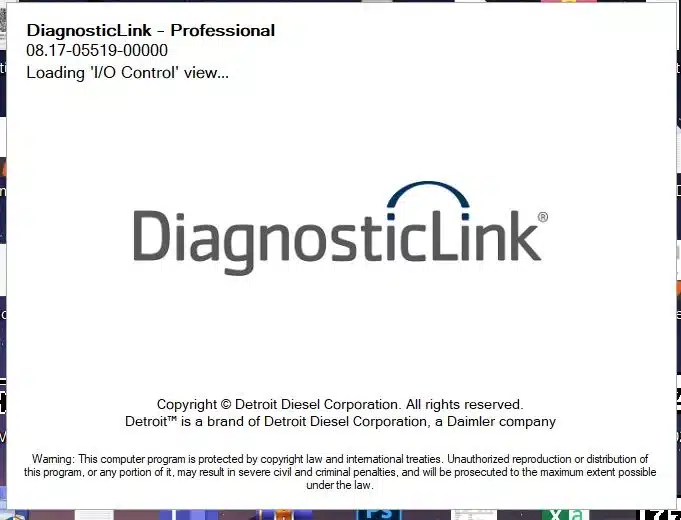
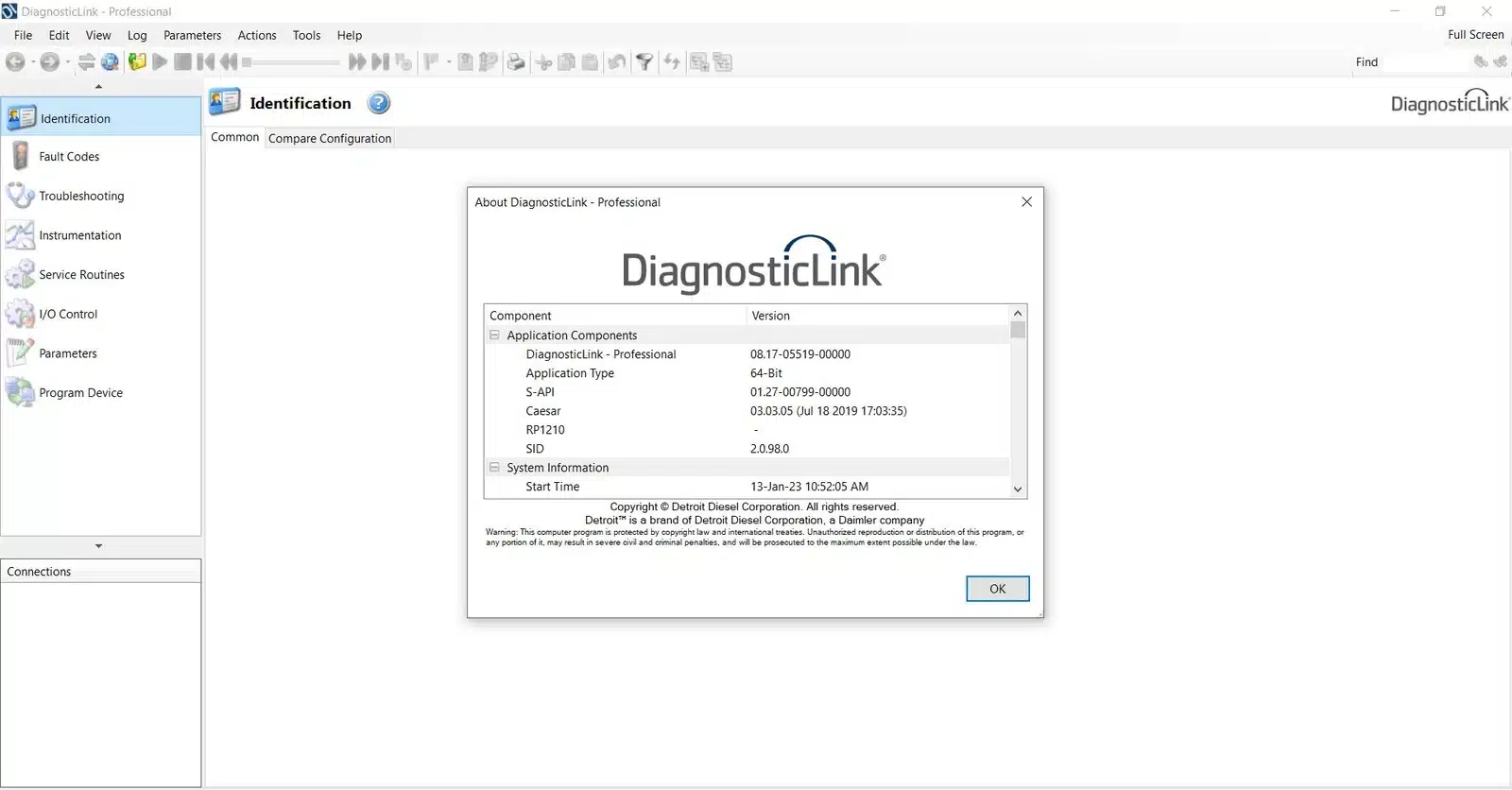
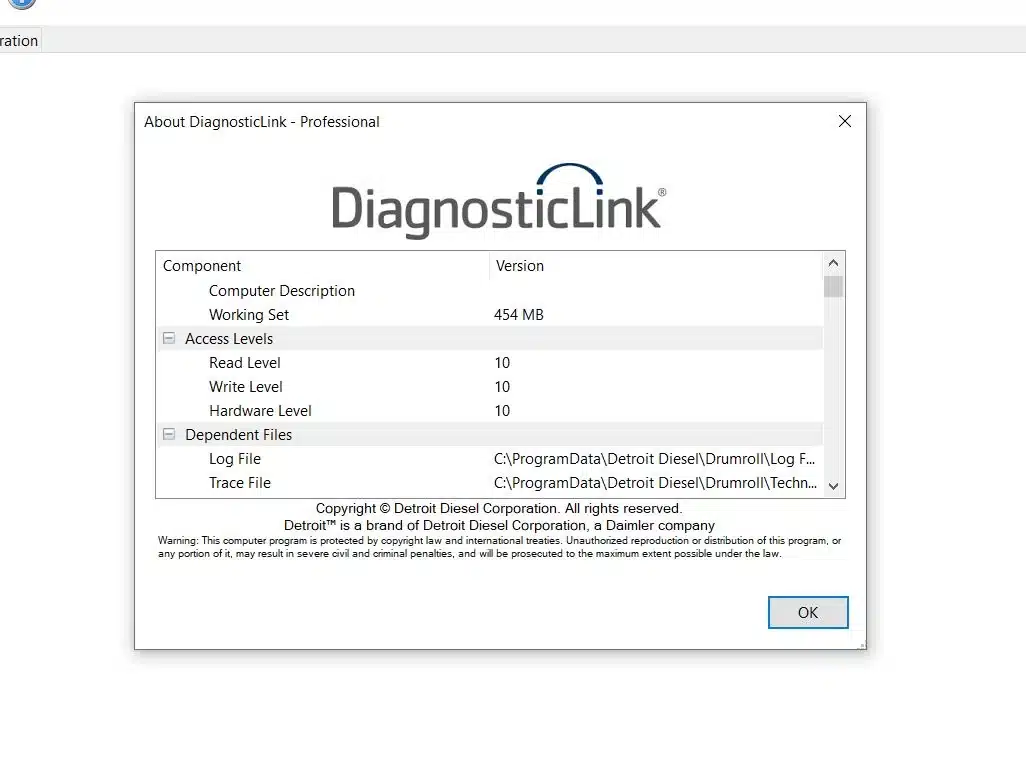
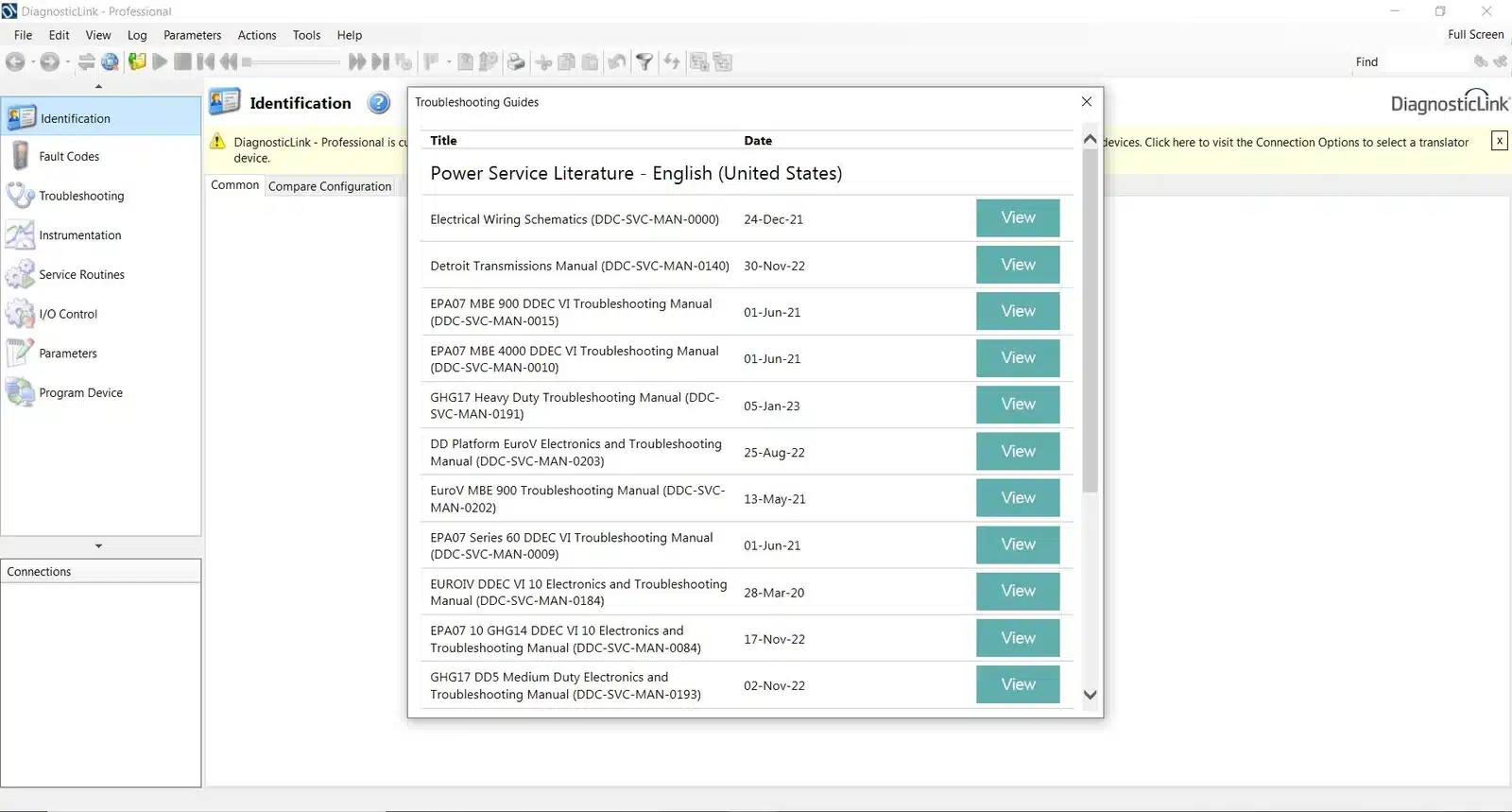
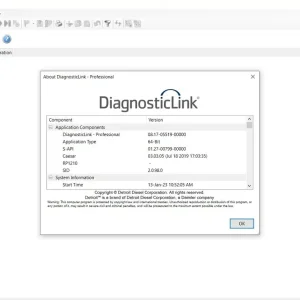
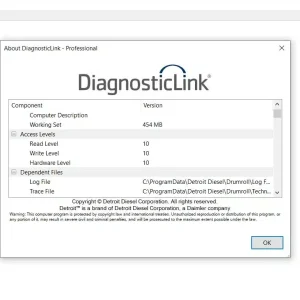
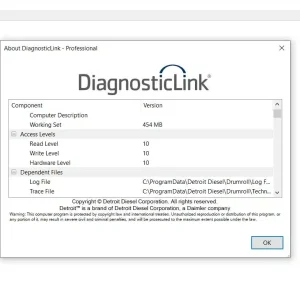
Diesel Diagnostic Link DDDL 8.17 SP1 is a vital software tool designed for diagnosing heavy-duty vehicles. It offers a range of features that enhance the ability to read fault codes, access ECU information, and perform system tests.
Diesel Diagnostic Link DDDL 8.17 SP1: Essential Tool for Heavy-Duty Vehicle Diagnostics
Diesel Diagnostic Link DDDL 8.17 SP1 is a vital software tool designed for diagnosing heavy-duty vehicles. It offers a range of features that enhance the ability to read fault codes, access ECU information, and perform system tests. The software is compatible with various Windows versions and requires specific hardware for optimal performance. It facilitates installation and activation through TeamViewer, ensuring that users can efficiently set up the program for immediate use.
System Requirements and Compatibility
Understanding system requirements and compatibility is crucial for optimal performance and functionality. Below are the key aspects necessary for running the software effectively.
Supported Windows Versions and Hardware
The software is compatible with several versions of the Windows operating system
- Windows 10 (32-bit and 64-bit)
- Windows 11 (32-bit and 64-bit)
- Windows 8 and 8.1
Users are advised to have a dual-core processor running at a minimum of 2GHz. Sufficient RAM is also essential for a seamless experience, with at least 2GB recommended for optimal performance.
Administrative Rights and Installation Prerequisites
It is imperative to have administrative privileges before installation. This ensures proper setup and configuration of the software, avoiding potential issues during the process. Users should also ensure that their hardware meets the minimum specifications listed above.
Compatible Engine Platforms and ECUs
The software primarily supports a range of Detroit Diesel engine platforms and compatible ECUs. This compatibility enables effective communication and diagnosis within an extensive fleet of heavy-duty vehicles. Understanding these details ensures that technicians can efficiently utilize the software for various applications.
Installation Process and Activation
The following outlines the essential steps for installing and activating the diagnostic software.
Downloading the Diesel Diagnostic Link DDDL 8.17 SP1
The initial step involves acquiring the DDDL 8.17 SP1 software from a trusted source. This can typically be done through the official website where the software is available for download. Ensure that the download is compatible with your operating system.
Step-by-Step Installation Guide Using TeamViewer
To facilitate a smooth installation process, TeamViewer software can be utilized. Follow these steps:
- Install TeamViewer on your computer and launch the application.
- Provide necessary access permissions to facilitate remote installation.
- Run the setup file for DDDL 8.17 SP1 and follow the on-screen prompts.
- Ensure that all prerequisites are met for a successful installation.
Core Features and Diagnostic Capabilities
This section highlights the essential functionalities that enable effective diagnostics and servicing of heavy-duty vehicles. Understanding these features is crucial for maximizing the software’s potential.
Accessing ECU Information and Parameters
Users can retrieve critical information from the Engine Control Unit (ECU), including performance parameters and operational statistics. This access allows for in-depth analysis and monitoring of vehicle conditions, thus enhancing maintenance efficiency.
Reading and Clearing Diagnostic Fault Codes
The software efficiently reads diagnostic trouble codes (DTCs) generated by the ECU. It provides access to fault code descriptions, making it simpler for technicians to diagnose issues. After addressing concerns, users can clear these codes to reset the system.
Running System Tests and Service Routines
Technicians can perform several crucial system tests and service routines to ensure the vehicle operates optimally. These functions include:
- Injector Cut Tests and Calibration
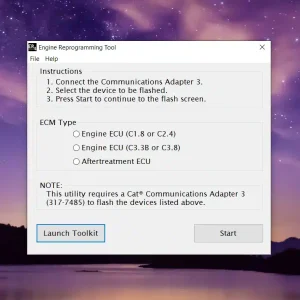
- Engine Controller Reprogramming
Injector Cut Tests and Calibration
These tests allow technicians to evaluate injector functionality and make necessary calibrations. Accurate calibration can greatly influence engine performance and fuel efficiency.
Engine Controller Reprogramming
Reprogramming capabilities enable adjustments to engine parameters to better suit operational needs. This feature is vital for maintaining compliance with current regulations and optimizing vehicle function.
Managing Diagnostic Data and Logs
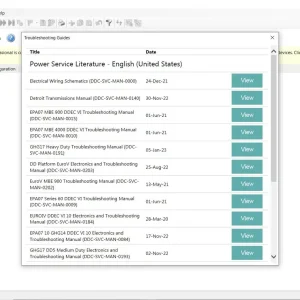
The software allows for organized storage of diagnostic data and service logs. This management is essential for tracking vehicle history and aiding future diagnostic efforts. Proper log management facilitates ongoing maintenance and regulatory compliance.
Supported Hardware and Integration
The compatibility of Diesel Diagnostic Link DDDL 8.17 SP1 with hardware ensures effective diagnostic operations for heavy-duty vehicles. A seamless connection between the software and various communication interfaces is vital for performance.
Nexiq USB-Link and Other Communication Interfaces
Nexiq USB-Link is one of the primary communication interfaces used with DDDL 8.17 SP1. This device facilitates a robust connection between the diagnostic software and the vehicle’s ECU. Other supported interfaces may include:
- Wireless communication adapters
- Bluetooth connectors
- USB interface cables
These interfaces play a critical role in ensuring that the software functions correctly, allowing users to perform comprehensive diagnostic procedures.
Ensuring Stable Connection Between Software and Equipment
A stable connection is paramount for effective diagnostics. Users must ensure that the hardware is properly set up and that drivers are correctly installed. This guarantees that the software can communicate efficiently with the vehicle systems.
Regular checks of connections and configurations can prevent disruptions during diagnostic tasks, facilitating smoother operations.
Troubleshooting Hardware Compatibility Issues
Incompatibility issues can arise with various hardware components. Users might encounter challenges such as:
- Driver installation failures
- Connection timeouts
- Communication errors with the ECU
Identifying and addressing these issues promptly can help maintain operational efficiency and ensure that diagnostics are completed without delays.
Professional Use and Support Services
Professional-grade support is pivotal for users of diagnostic software in tough environments like heavy-duty vehicle maintenance.
Benefits for Technicians and Heavy-Duty Vehicle Professionals
The software is designed to streamline diagnostic processes, offering various advantages specifically for automotive technicians. Key benefits include:
- Enhanced diagnostic accuracy, allowing quicker resolution of issues.
- Versatility across multiple heavy-duty vehicles, facilitating operations in diverse service environments.
- Increased efficiency through advanced features like ECU reprogramming and fault code management.
Access to Updates and Software Improvements
Staying current with the latest software versions is crucial for optimal performance. Regular updates ensure compatibility with new engine models and enhancements in functionality. These improvements help maintain the edge in diagnostics and provide seamless adaptations to changing technologies.
Customer Support and Remote Assistance via TeamViewer
The availability of dedicated customer support is a significant asset. Users benefit from:
- Rapid response to technical inquiries, fostering minimal downtime.
- Remote assistance through TeamViewer, aiding in hassle-free software setup and troubleshooting.
- Access to a wealth of resources, including FAQs and user guides, enhancing user experience.
Sé el primero en valorar “Diesel Diagnostic Link dddl 8.17 SP1”
Productos relacionados
All Products
All Products
All Products

All Products

Valoraciones
No hay valoraciones aún.