

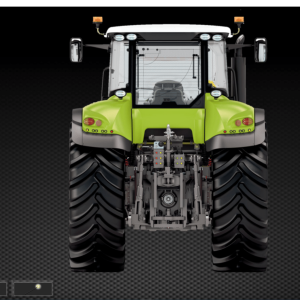
CLAAS MetaDiag 2007 update 2016
$ 200.00
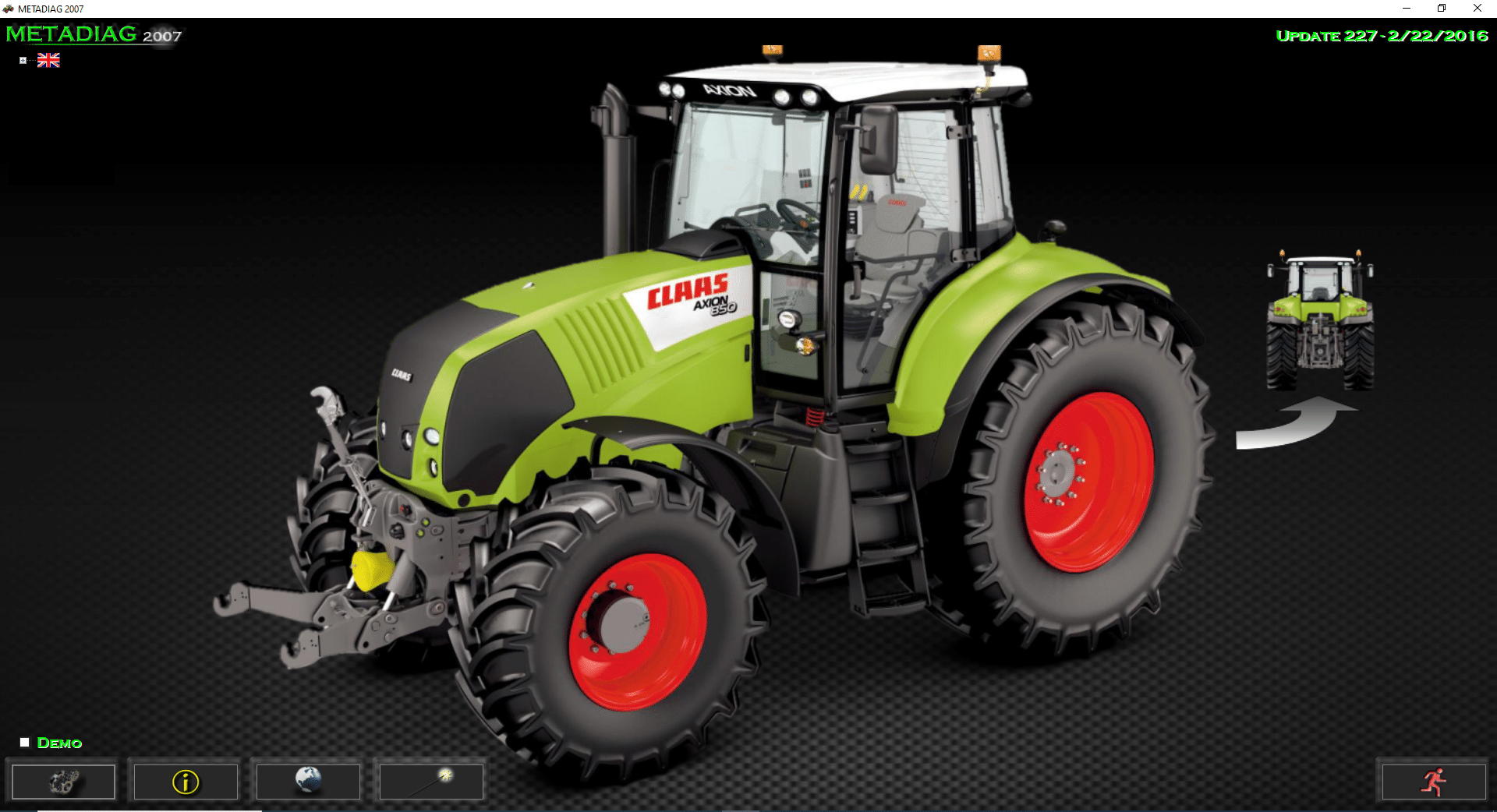
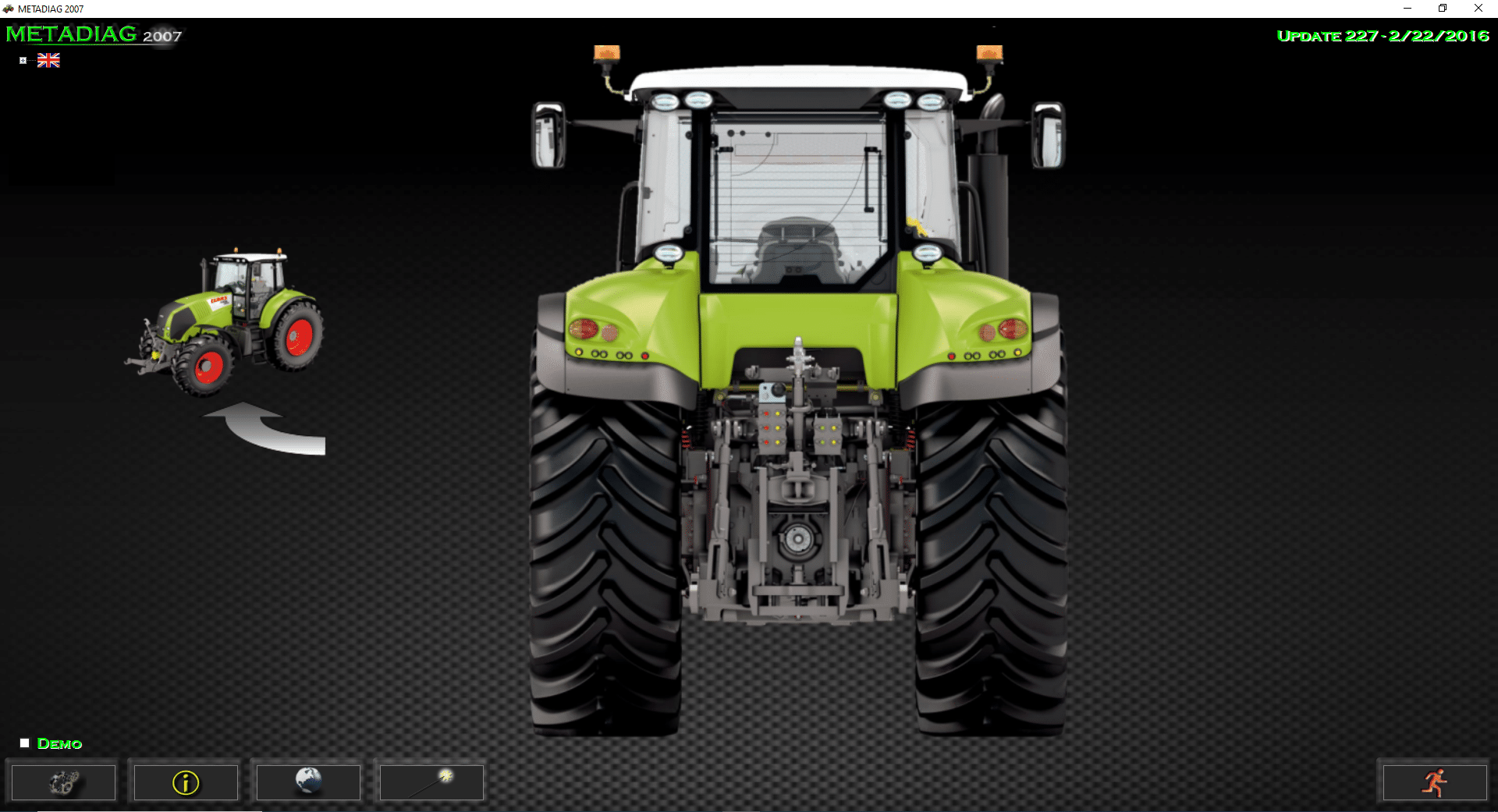
CLAAS MetaDiag 2016 is a crucial diagnostic software tool designed for CLAAS tractors. It enhances the efficiency and performance of heavy machinery through effective troubleshooting and maintenance.
CLAAS MetaDiag 2016: The Ultimate Diagnostic Tool for Heavy Machinery
CLAAS MetaDiag 2016 is a crucial diagnostic software tool designed for CLAAS tractors. It enhances the efficiency and performance of heavy machinery through effective troubleshooting and maintenance. This software allows technicians to diagnose issues, read and clear error codes, and monitor system performance in real time. Its compatibility with various models makes it a versatile choice for operators in the agricultural industry.
Description of CLAAS MetaDiag 2016
This software plays a crucial role in optimizing the performance of CLAAS tractors through advanced diagnostic capabilities.
Key Features and Benefits
CLAAS MetaDiag 2016 is equipped with various features that enhance its functionality. Notable advantages include:
- Ability to quickly read and clear error codes, streamlining troubleshooting.
- Real-time performance monitoring of tractor systems, ensuring efficient operation.
- Comprehensive diagnostic reports that assist in maintenance planning.
Supported Models and Compatibility
The software is compatible with a broad range of CLAAS machine models, ensuring versatile utility across different tractor series.
Ares Arion Atles Series
This series is well-supported, allowing users to maximize their tractor capabilities and maintain functionality effortlessly.
Axion Axos Celtis Series
CLAAS MetaDiag 2016 enhances the diagnostic experience for this series, providing critical insights into system operations.
Celtis Ceres Cergos Series
With support for these models, users can ensure optimal performance and timely interventions when issues arise.
Functionality and Use
This section delves into the practicality and advantages of the software, focusing on its diagnostic capabilities and how it contributes to enhanced tractor performance.
Diagnostic Capabilities
The software excels in diagnosing issues within heavy machinery, offering several key functionalities that streamline troubleshooting processes.
Reading and Clearing Error Codes
CLAAS MetaDiag 2016 allows technicians to effortlessly read and clear error codes. This capability enables a rapid assessment of the machine’s health and indicates specific areas that require attention. Efficient error management leads to quicker repair times, minimizing downtime.
Real-Time System Performance Monitoring
Monitoring system performance in real-time is crucial for maintaining optimal functionality. This feature provides immediate insights into various operational parameters, such as engine status and transmission efficiency. By continuously observing these metrics, operators can detect anomalies early and take appropriate action.
Generating Diagnostic Reports
Generating clear and concise diagnostic reports is another significant feature. These reports summarize findings and serve as a valuable communication tool between technicians and machinery operators. Detailed records are essential for tracking maintenance history and planning future interventions.
Enhancing Tractor Performance
Leveraging diagnostic information leads to improved tractor functionality. Utilizing the insights from the software helps technicians make informed decisions regarding maintenance and repairs.
By addressing issues promptly, overall machine performance increases, prolonging tractor life and improving productivity in the field.
The installation process for using the software entails several straightforward steps to ensure successful setup and configuration on compatible devices. Below are the detailed aspects of the installation procedure.
Installation Process
Step-by-Step Installation Guide
To install the software, follow these essential steps:
- Download the .rar file from a trusted source.
- Use appropriate software to decompress the file.
- Run the installer and follow the on-screen instructions.
- Ensure all components are correctly installed.
- Connect the computer to the tractor using a CAN USB interface.
Installation via TeamViewer
For remote installations, TeamViewer offers a convenient option. This allows technicians to assist users directly on their devices. The process includes:
- Initiating a TeamViewer session with the user’s consent.
- Downloading and installing the software remotely.
- Providing real-time guidance through the setup process.
Common Installation Issues and Solutions
Installation might sometimes encounter issues. Here are typical problems and their solutions:
- Compatibility error: Ensure the operating system meets the software requirements.
- Connection issues: Check the USB cable and the CAN interface for proper setup.
- Installation hangs: Restart the process and ensure no other software is conflicting.
Download and Update Information
Accessing and keeping CLAAS MetaDiag 2016 updated is essential for maximizing its diagnostic capabilities. The process to download and update is straightforward.
How to Download CLAAS MetaDiag 2016
To obtain the software, users can follow these steps:
- Visit authorized online platforms that offer CLAAS MetaDiag 2016.
- Add the software to the shopping cart and proceed to checkout.
- Complete the payment process to receive a download link.
- Click the link to download the software, which typically comes in a .rar file format.
Troubleshooting Download Issues
In case of difficulties during the download process, consider these solutions:
- Check internet connection stability to ensure seamless downloading.
- Disable security software temporarily, as it might interfere with the download.
- Verify the availability of adequate storage space on the device.
Language and Accessibility
The importance of language options and accessibility features in software cannot be overstated. Providing diverse language support ensures wider usability for users around the globe.
Language Options Available
Instructions in English
CLAAS MetaDiag 2016 offers comprehensive instructions and technical documentation in English. This ensures that English-speaking technicians and users can fully understand the software’s functionalities and installation procedures.
Tractors Language Support
The software also supports a variety of languages for the user interface tailored for operators. This includes languages such as:
- German
- Danish
- Greek
- French
- Italian
- Portuguese
- Russian
- Spanish
This multilingual capability allows users to navigate the program easily, enhancing overall user experience.
Sé el primero en valorar “CLAAS MetaDiag 2007 update 2016”
Productos relacionados
All Products
All Products
All Products


All Products

All Products
Valoraciones
No hay valoraciones aún.