
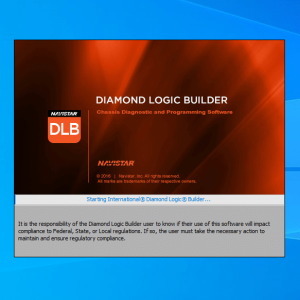
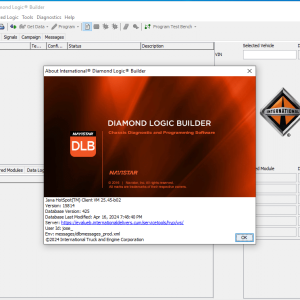
NAVISTAR DLB 2024 Diamond Logic Builder
$ 100.00
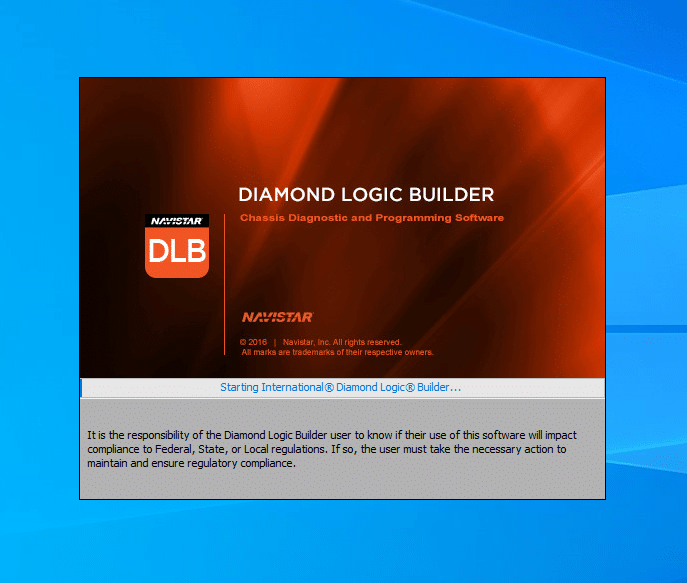
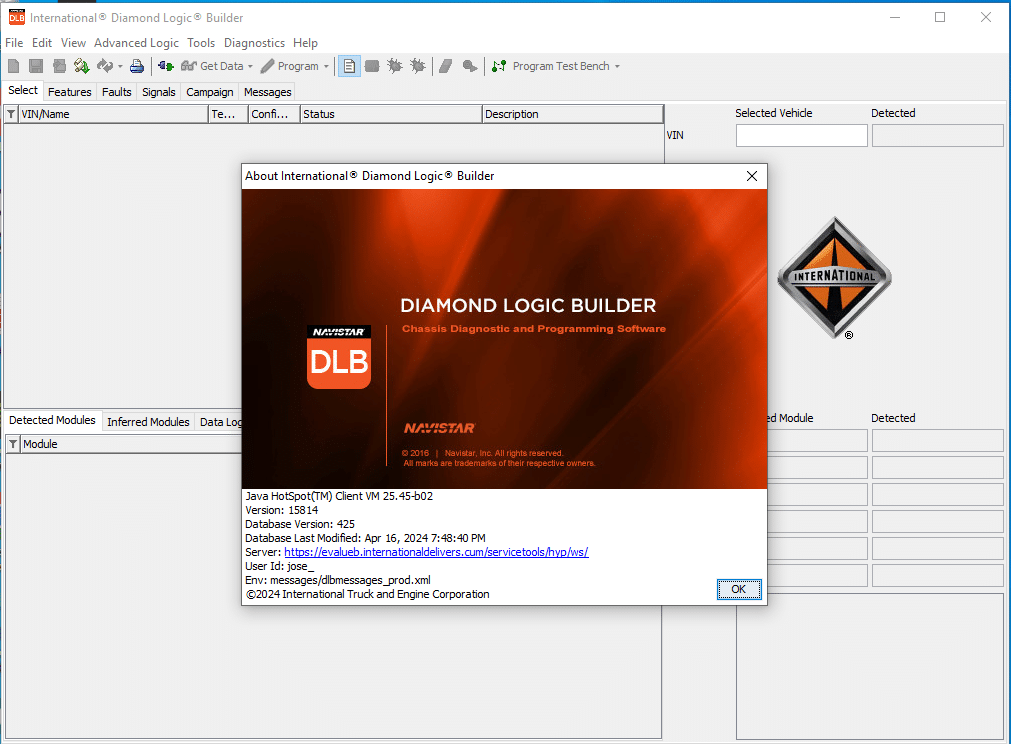
NAVISTAR DLB 2024 Diamond Logic Builder is a powerful diagnostic software designed for International trucks and heavy machinery. It offers advanced features for troubleshooting and programming vehicle electrical systems.
NAVISTAR DLB 2024 Diamond Logic Builder: The Ultimate Solution for Vehicle Diagnostics
NAVISTAR DLB 2024 Diamond Logic Builder is a powerful diagnostic software designed for International trucks and heavy machinery. It offers advanced features for troubleshooting and programming vehicle electrical systems. This software includes capabilities such as reading diagnostic trouble codes and displaying real-time vehicle parameters. It operates on various Windows versions and requires an annual subscription for updates and support.
Overview of NAVISTAR DLB 2024 Software
The NAVISTAR DLB 2024 software is designed to enhance diagnostic capabilities for commercial vehicles, ensuring efficient maintenance and repair services.
Features of Diamond Logic Builder
Diagnostic Capabilities
This software offers advanced diagnostic features, enabling users to read and interpret Diagnostic Trouble Codes (DTC). It streamlines the troubleshooting process, allowing technicians to quickly identify and resolve electrical system issues in International vehicles.
Vehicle Parameter Displays
Visualizations of vehicle parameters help technicians monitor various real-time metrics. This functionality is critical for effective diagnostics and enhances the overall quality of service provided in workshops.
Compatibility with Operating Systems
NAVISTAR DLB 2024 seamlessly operates on multiple Windows platforms, including Windows 11 and earlier versions. This flexibility ensures accessibility for a wide range of users while accommodating different hardware setups.
Software Updates and Subscription Model
Annual License Renewal Process
The software operates on a subscription model, requiring annual renewal. This approach guarantees access to the latest features and updates, helping users stay at the forefront of automotive technology.
Online Delivery and Activation
Once purchased, the software is delivered digitally, allowing immediate access. Activation is straightforward and can be performed online, enhancing convenience for users needing quick installation.
Installation and Setup Process
The installation and setup process for the diagnostic software is straightforward and designed to ensure optimal performance.
System Requirements for Optimal Performance
Understanding the system requirements helps in preparing for the installation and ensuring the software runs smoothly. Users must consider both minimum and recommended hardware specifications.
Minimum Hardware Specifications
- Processor: Any dual-core processor
- RAM: At least 4GB
- Hard Disk: 150MB of free space
- Operating System: Windows 7 or higher
Recommended Hardware Specifications
- Processor: Intel Core i3 or better
- RAM: 8GB or more
- Hard Disk: SSD with additional space for software updates
- Operating System: Windows 10 or Windows 11
Installation via TeamViewer
The use of TeamViewer facilitates remote installation, making it convenient and efficient. This method allows technicians to set up the software without physical access to the machine.
Step-by-Step Installation Guide
- Download and install TeamViewer on your computer.
- Provide the technician with your TeamViewer ID and password.
- Follow the remote instructions to install the software.
Troubleshooting Installation Issues
If installation problems arise, it is crucial to verify hardware compatibility, check internet connectivity, and ensure that the latest version of TeamViewer is being used.
Configuring the Software for Vehicle Diagnostics
Once installed, configuration requires selecting the vehicle model and setting up the necessary parameters for effective diagnostics. This step is essential for a seamless user experience.
Integration with Diagnostic Tools and Bundles
The Diamond Logic Builder offers seamless integration with various diagnostic tools and software bundles, enhancing the overall capabilities for vehicle maintenance and repair.
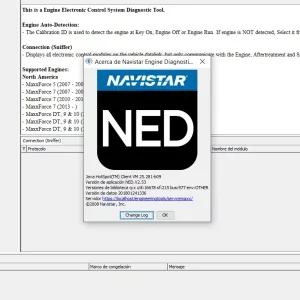
Compatibility with Navistar Engine Diagnostics (NED)
This software works efficiently alongside Navistar Engine Diagnostics (NED), creating a robust diagnostic ecosystem that ensures comprehensive troubleshooting capabilities for International vehicles. Together, they provide a wide array of diagnostic functions that are crucial for effective repairs.
Overview of Available Software Bundles
Users have the option to purchase packaged software bundles that enhance functionality and streamline operations. The available bundles are specifically tailored for different diagnostic requirements in the heavy machinery and truck sectors.
NavKal Pro, NED, and DLB Bundle
This bundle includes NavKal Pro, along with NED and DLB, offering users a full suite of diagnostic tools. It is particularly beneficial for managing diverse vehicle fleets.
NED, DLB, and HeRo Software Bundle
Another excellent package combines NED, DLB, and HeRo software, providing extensive diagnostic capabilities along with health reporting. This integration is useful for users who require detailed insights into vehicle performance.
Benefits of Combined Diagnostic Tools
Utilizing these bundles presents several advantages:
- Streamlined access to essential diagnostic information.
- Enhanced efficiency in troubleshooting and repairs.
- Cost savings through bundled purchasing options.
Using the Diamond Logic Builder for Vehicle Maintenance
The Diamond Logic Builder serves as an essential tool for automotive professionals, simplifying various vehicle maintenance tasks through sophisticated diagnostics and programming features.
Reading and Interpreting Diagnostic Trouble Codes (DTC)
Efficient troubleshooting begins with understanding Diagnostic Trouble Codes (DTC). The software enables users to read DTCs from the vehicle’s onboard computer, providing detailed descriptions and possible causes. This feature assists technicians in accurately diagnosing issues and determining necessary repairs.
Electronic System Programming and Logic Builder Functions
Advanced programming capabilities are a hallmark of the Diamond Logic Builder. Technicians can reprogram electronic control units (ECUs) and make necessary adjustments to ensure optimal performance. The integrated Logic Builder functions facilitate extensive system modifications, enhancing the overall vehicle functionality.
Sé el primero en valorar “NAVISTAR DLB 2024 Diamond Logic Builder”
Productos relacionados
All Products
All Products
All Products
All Products
All Products
All Products
All Products

All Products
Valoraciones
No hay valoraciones aún.