
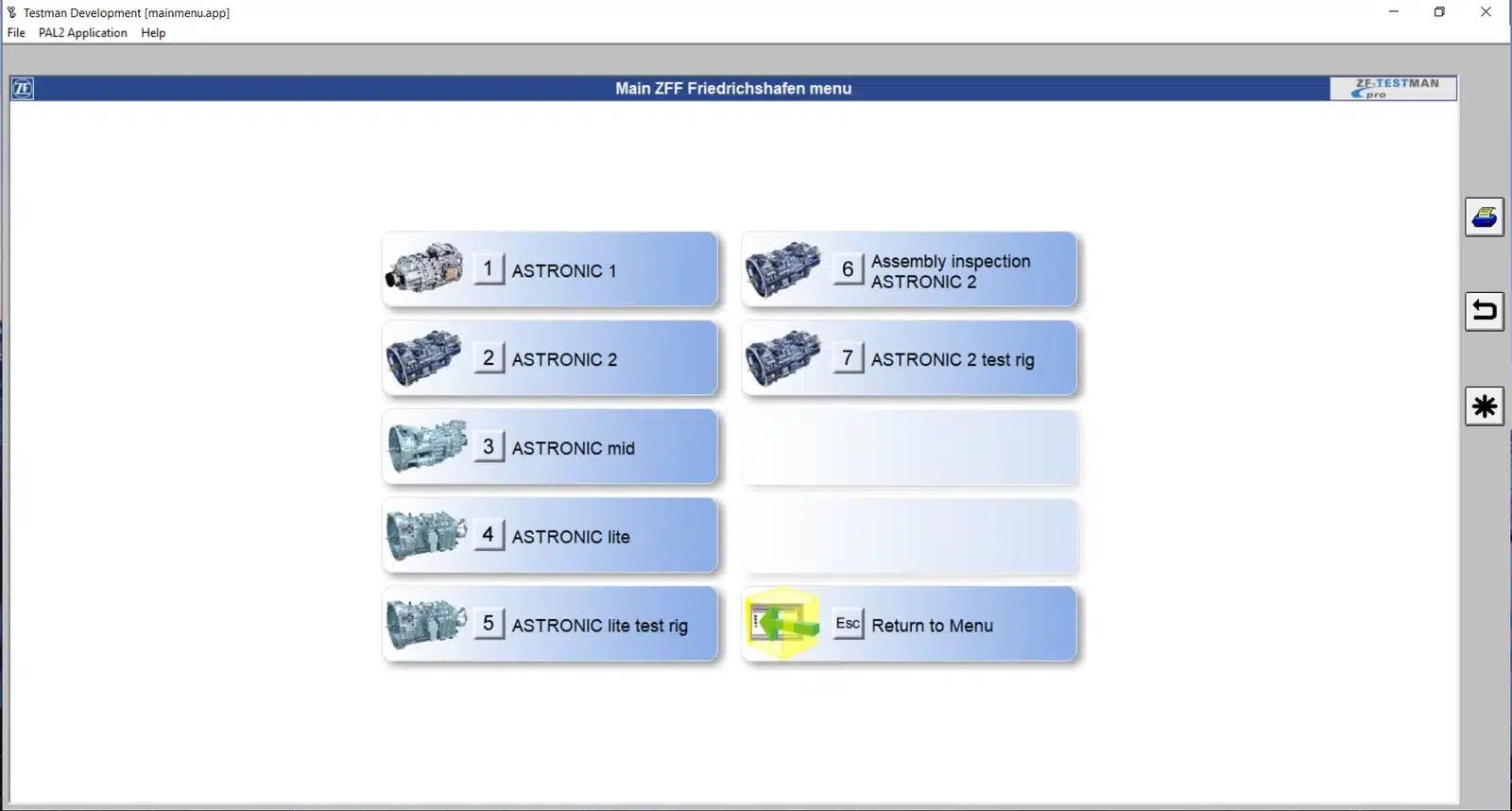
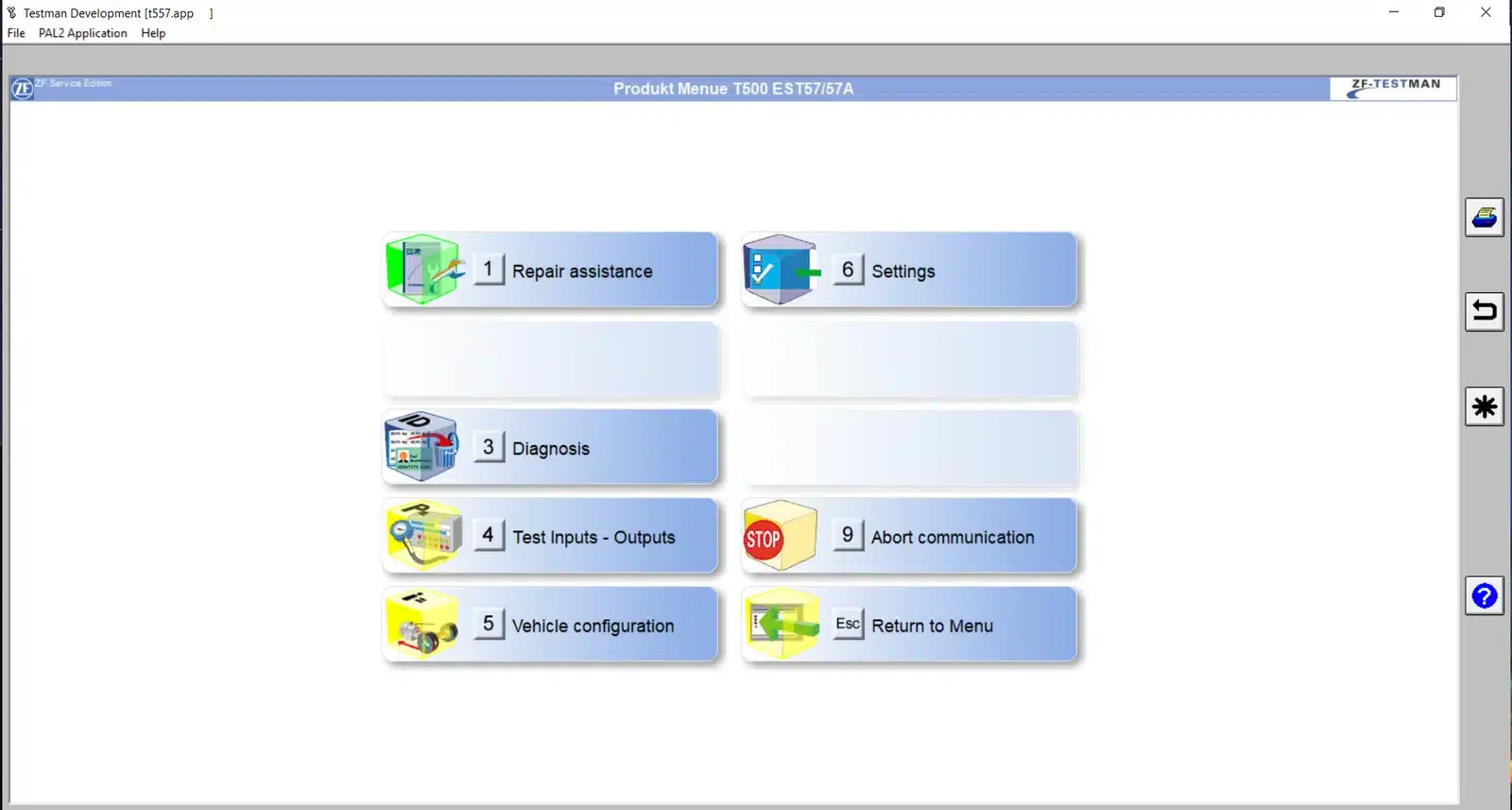
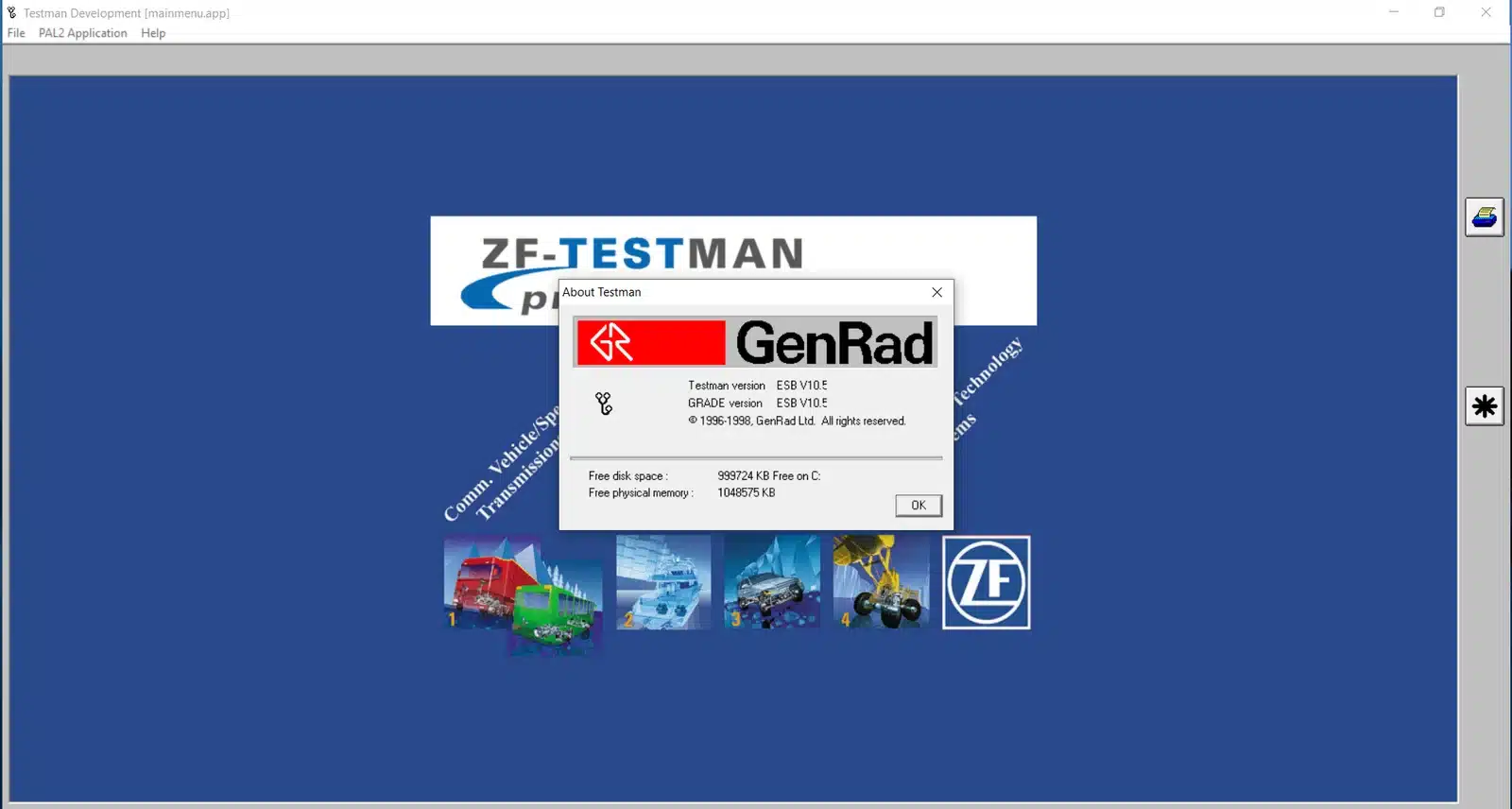
ZF Testman Pro ESB 10.5 2022
$ 200.00
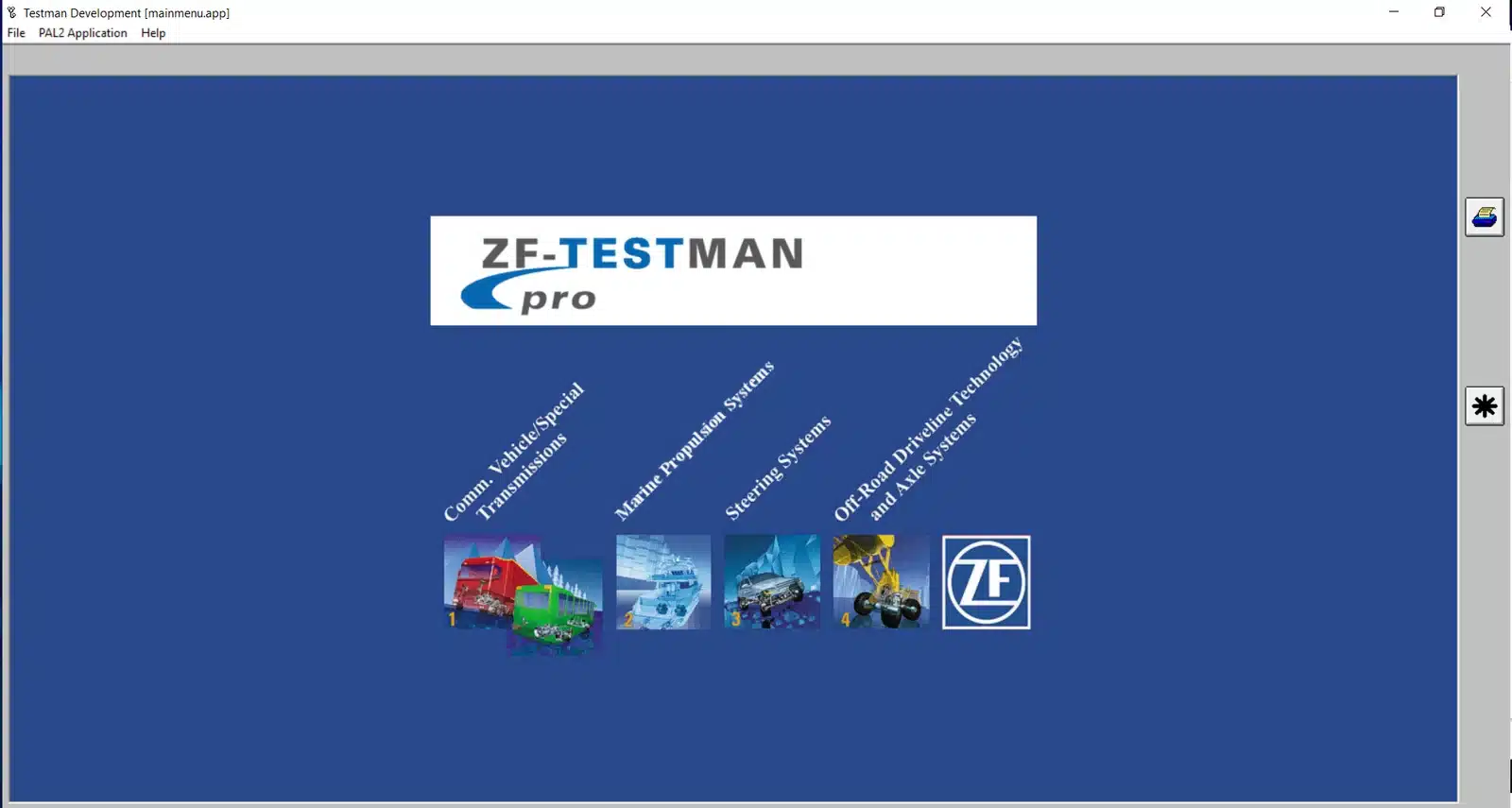
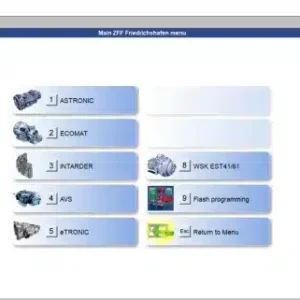
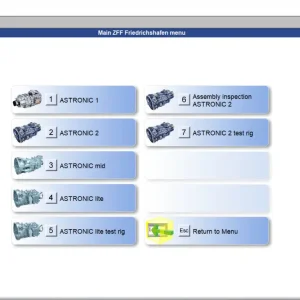
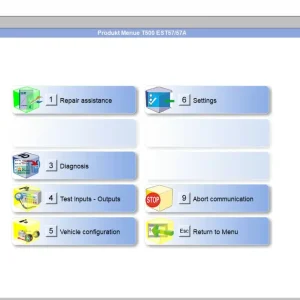
ZF Testman Pro ESB 10.5 2022 is a diagnostic software tailored for heavy machinery and trucks. It provides comprehensive tools for accessing vehicle-specific data and optimizing transmission performance.
ZF Testman Pro ESB 10.5 2022: Your Ultimate Diagnostic Tool Guide
ZF Testman Pro ESB 10.5 2022 is a diagnostic software tailored for heavy machinery and trucks. It provides comprehensive tools for accessing vehicle-specific data and optimizing transmission performance. The software supports various models while ensuring a simple installation process through TeamViewer. Ideal for technicians, ZF Testman Pro enhances diagnostic efficiency with real-time data visualization and robust troubleshooting capabilities.
Software Features and Diagnostic Capabilities
This section outlines the advanced features and diagnostic capabilities of ZF Testman Pro, highlighting its ability to enhance vehicle diagnostics through specialized access to data, real-time monitoring, and broad compatibility with various vehicle models and systems.
Vehicle-Specific Data Access
Access to detailed vehicle data is vital for accurate diagnostics. ZF Testman Pro enables technicians to retrieve specific information relevant to vehicle models, particularly focusing on transmission dynamics and performance tuning.
Transmission Specific Data and Shift Programs
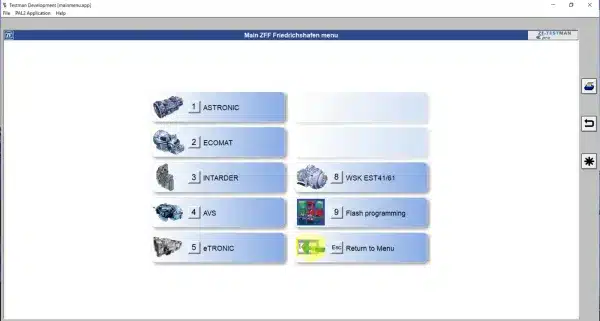
The software offers focused insights into transmission-specific information. Technicians can view and modify shift programs to optimize performance, ensuring that each vehicle operates under its ideal parameters. This ability is crucial for precision tuning and performance enhancements.
Electronically Controlled Systems
It also supports diagnostics for electronically controlled systems. These systems encompass a wide range of functionalities, from engine management to electronic stability control, providing a comprehensive approach to vehicle management and repair.
Digital Test and Data Visualization
Data visualization tools enhance the diagnostic experience, making it easier for users to interpret the vast amounts of information generated during vehicle diagnostics.
Reading Speeds, Currents, and Voltages
The application allows for the reading of critical metrics such as speeds, currents, and voltages in real-time. These readings are essential for diagnosing electrical issues and ensuring that all systems perform optimally.
Real-Time Diagnosis and Indications
Real-time diagnostics provide immediate feedback on vehicle performance. This feature enables technicians to make quick decisions and address issues as they arise, reducing downtime and improving service efficiency.
Product Compatibility and Supported Vehicles
Compatibility is another critical feature, ensuring the software can be utilized across various vehicle brands and models. This makes it a versatile tool for mechanics and automotive specialists.
Support for BMW and Audi Models
An extensive lineup of supported vehicles includes popular models from manufacturers like BMW and Audi. This broad compatibility makes ZF Testman Pro an indispensable asset for workshops specializing in these brands.
Integration with Active Steering and Other ZF Products
The software seamlessly integrates with Active Steering and other ZF products, allowing for a holistic diagnostic approach. This integration helps technicians manage complex systems effectively, enhancing their service offerings.
Software Installation and Setup
The installation and setup process for the diagnostic software is straightforward, designed to ensure users can quickly get started with minimal hassle. Understanding system requirements, installation steps, and necessary hardware is crucial for an effective setup.
System Requirements and Supported Platforms
To ensure optimal performance, specific system requirements must be met. The software is designed to work seamlessly with compatible operating systems and configurations.
Compatible Windows Versions
ZF Testman Pro is compatible with several versions of the Windows operating system. Users can install the software on:
- Windows 7
- Windows 8
- Windows 10
These versions have been thoroughly tested to provide a stable and responsive experience.
Licensing and Single Installation Policy
A single license allows installation on one computer only. This policy ensures that each installation is legally compliant while maintaining the integrity and security of the software. Users require a separate license for each additional installation.
Step-by-Step Installation Process
The installation process is user-friendly, allowing efficient setup. Following these steps will enable the successful installation of the diagnostic software.
Downloading the Diagnostic Software
The software can be downloaded from the official platform. After purchasing, users receive access to the download link along with essential instructions. It is crucial to ensure the download is complete before proceeding to activation.
Activation and Setup via TeamViewer
Post-download, activation requires utilizing TeamViewer for remote setup assistance. Users must follow the outlined activation steps provided during the installation process. This facilitates a guided setup, ensuring all features are properly configured for effective use.
Required Hardware and Interfaces
Proper hardware is essential for establishing a functional connection between vehicles and the diagnostic software.
Diagnostic Adapters: Dearborn Adapter 5 and ZF DPA06
These adapters are important for interfacing the software with vehicles. Ensuring compatibility with the selected adapter is vital for successful communication and diagnostics. Using the right adapter guarantees reliable data transfer.
Test Rig Integration and Spare Parts
For enhanced functionality, integrating the diagnostic software with test rigs is recommended. This setup allows for comprehensive diagnostics and testing of various components. Availability of spare parts is also essential to facilitate ongoing maintenance and repairs.
Using ZF Testman Pro for Effective Vehicle Diagnostic Service
This section outlines how ZF Testman Pro enhances vehicle diagnostic services through various functions and capabilities, allowing technicians to optimize vehicle performance and troubleshoot issues effectively.
Vehicle Configuration and Adjustment
Configuring and adjusting vehicle settings is crucial for achieving optimal performance. ZF Testman Pro offers tools for:
-
Selecting and Adjusting Shift Programs
Technicians can customize shift programs according to the specific needs of each vehicle. This allows for improved driving dynamics and enhanced fuel efficiency.
-
Storing and Managing Vehicle Data
The software facilitates the storage of critical vehicle data, allowing technicians to quickly access historical information for better diagnostics and service planning.
Running Diagnostics and Service Checks
Conducting diagnostics is a core functionality of ZF Testman Pro, which includes:
-
Testman Pro Product Checks and Functionality Tests
Regular product checks are essential for maintaining vehicle reliability. The software conducts comprehensive functionality tests to ensure all systems perform as expected.
-
Comprehensive Diagnosis for All Transmission Types
ZF Testman Pro supports a wide range of transmission types, offering detailed diagnostics that cater to various vehicle models. This feature helps to pinpoint issues accurately.
Troubleshooting Common Diagnostic Issues
Identifying and resolving diagnostic problems is vital for efficient vehicle service. ZF Testman Pro assists technicians with:
-
Handling Software Errors and Updates
To minimize downtime, the software includes tools for managing updates and addressing errors effectively. This feature ensures optimal performance and functionality.
-
Interface and Communication Problems
Issues with interface or communication can hinder diagnostics. ZF Testman Pro provides troubleshooting guides to help technicians resolve these challenges quickly.
Sé el primero en valorar “ZF Testman Pro ESB 10.5 2022”
Productos relacionados
All Products
All Products
All Products

All Products
All Products
Valoraciones
No hay valoraciones aún.